Quick Insights
Quick Insights
The CRM Export option in Quick Insights allows users to download existing CRM records from the system as a CSV file. This feature helps to easily extract CRM data for offline use, reporting, analysis, backup, or sharing with external systems. The exported file contains the current data available in the CRM module based on the selected context and permissions.
Why Use Data Export?
Data Backup
Users can maintain offline copies of CRM records for backup, audit, or compliance purposes.
Data Sharing
CRM data can be easily shared with stakeholders, teams, or third‑party systems that require structured data input.
Reporting and Analysis
Exported CSV files can be used in spreadsheet tools or BI platforms for deeper analysis, trend identification
Steps to Export CRM Data
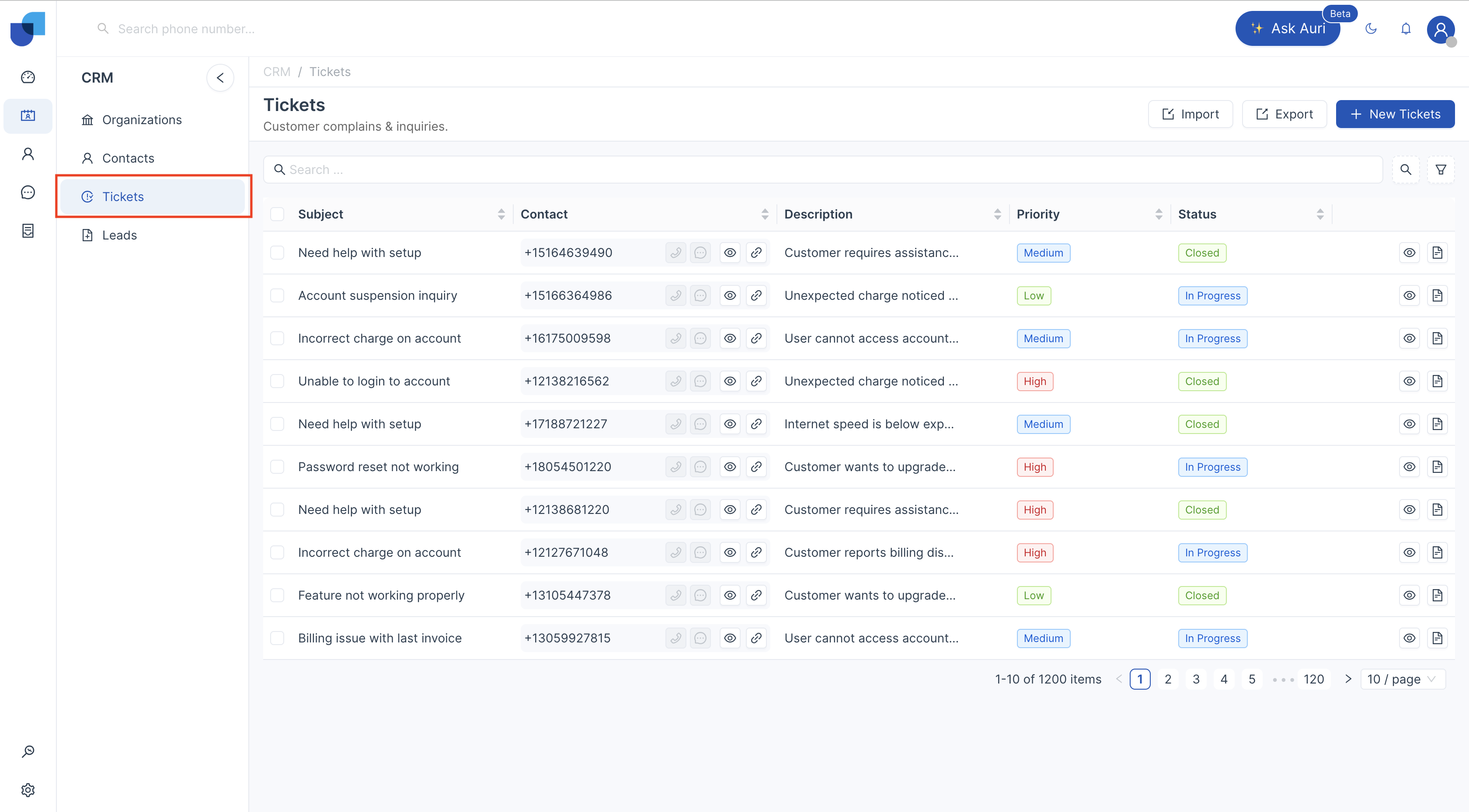
- Select the CRM module from which you want to export data and that you have the required permissions to perform data export.(Link to Role Management)
- Use pagination selector to control the number of records displayed and included in the export.
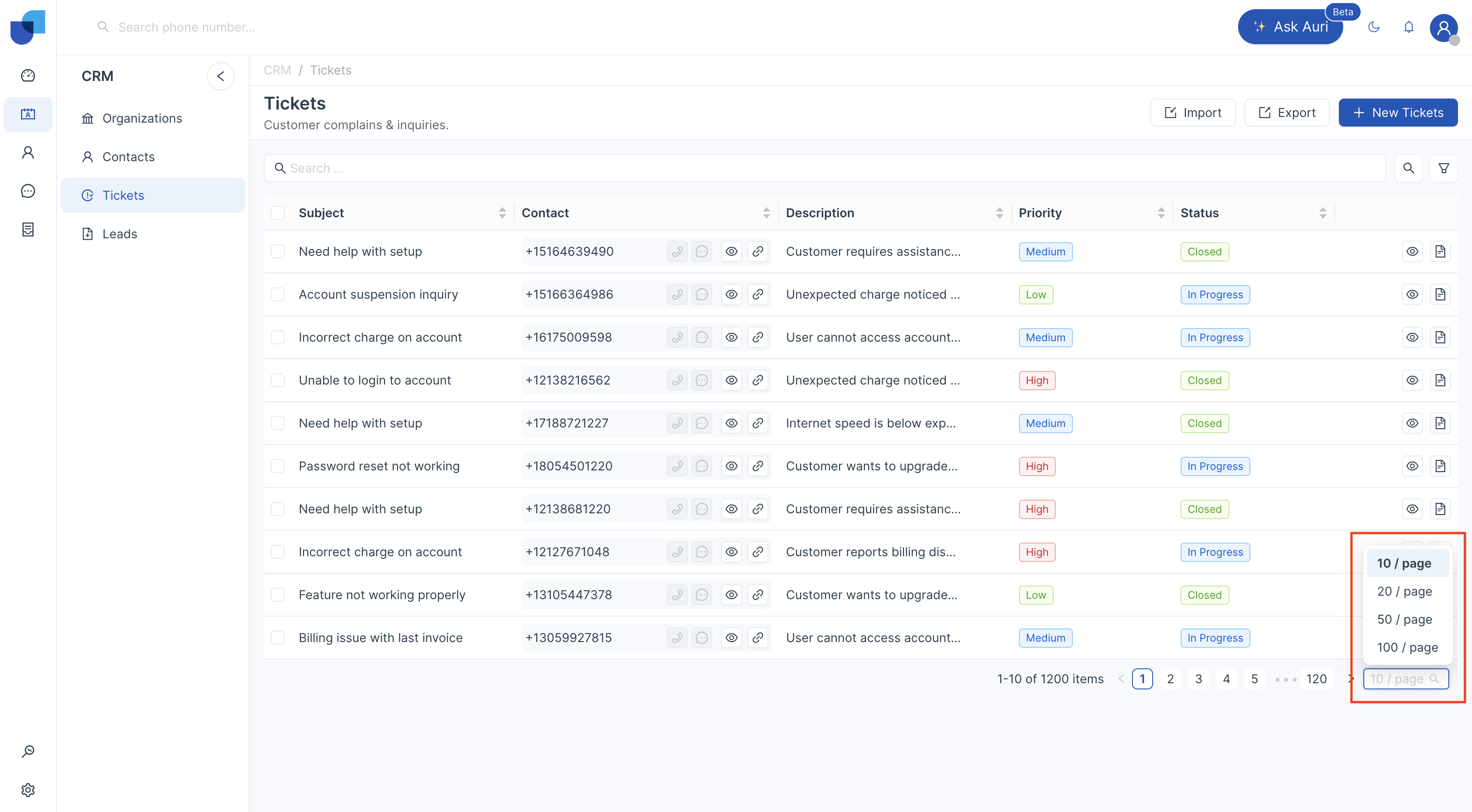
[!NOTE] Only the records currently displayed on the page are included in the data export. If you want to export a different number of records, adjust the pagination selector before clicking Export.
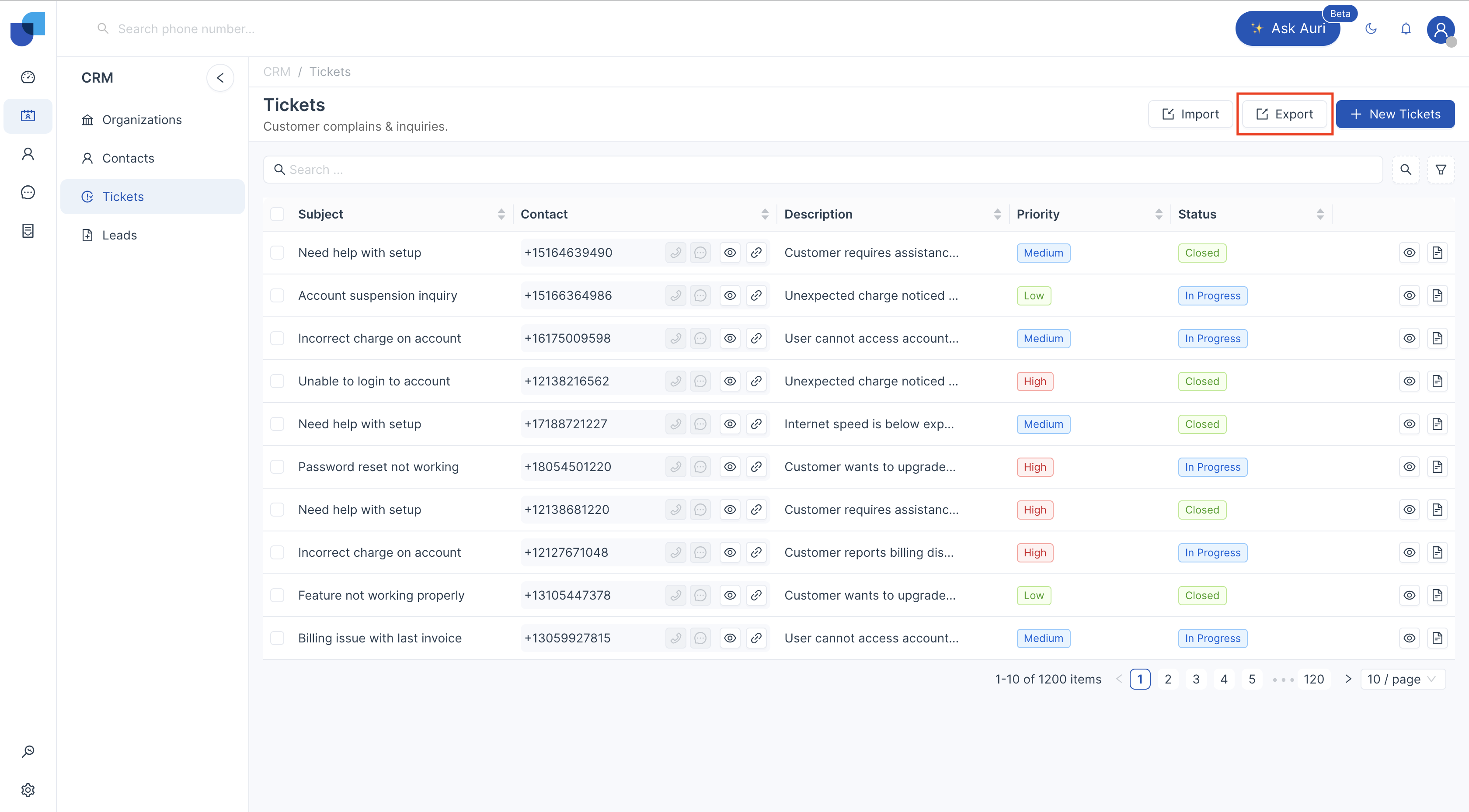
- Click the Export button available on the page.
- The system exports the selected CRM data as a CSV file.
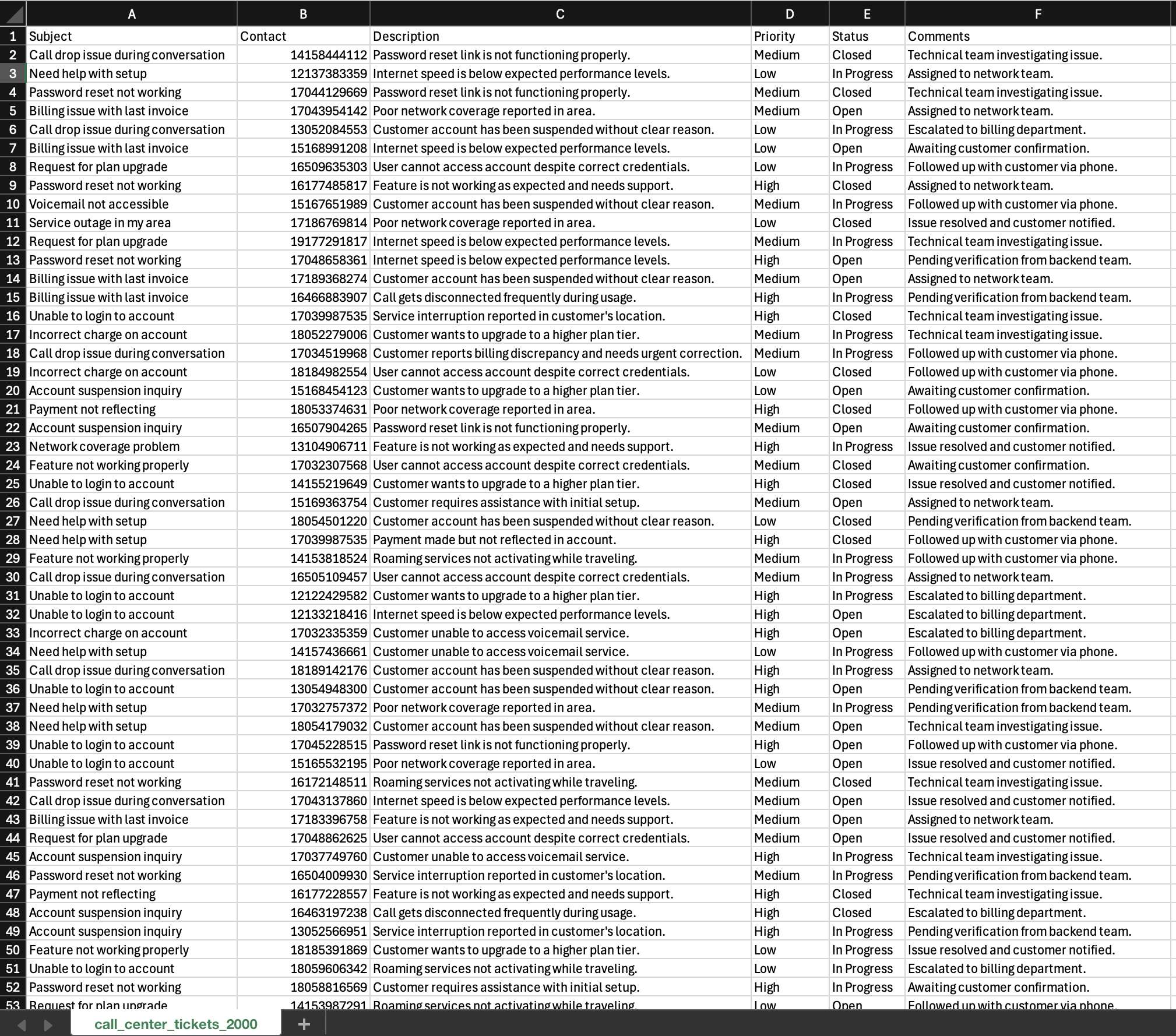
[!NOTE] Any filters applied to the CRM records will affect the data included in the exported CSV file. Apply filters as needed before exporting to narrow down or enhance the dataset.(link to CRM Filters)