Advanced Topics
Uniconnect AI workflows go beyond basic triggers and actions, Uniconnect AI supports advanced workflow features that allow administrators to design complex automations, integrate custom modules, and implement error-handling strategies. This section covers advanced techniques for building robust workflows.
Complex Branching with Multiple Conditions
Workflows can branch into multiple paths using Condition nodes, enabling nuanced logic.
Techniques
- Multi-condition rules: Combine AND/OR logic for granular control.
- Parallel branches: Execute different actions simultaneously based on conditions.
- Nested conditions: Place conditions inside branches for deeper logic.
Example Use Case
- Trigger: Lead created
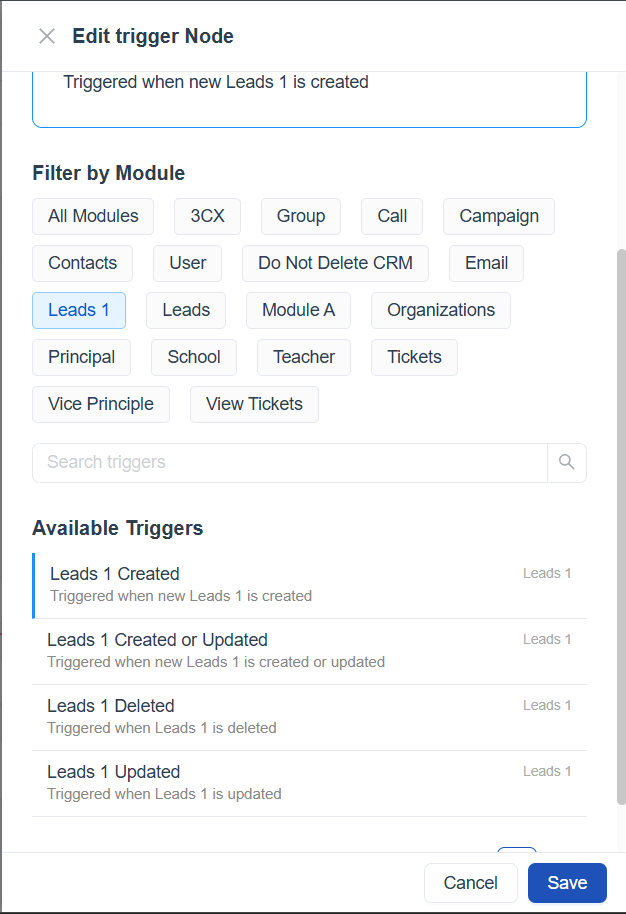
Condition 1: Lead score = 80
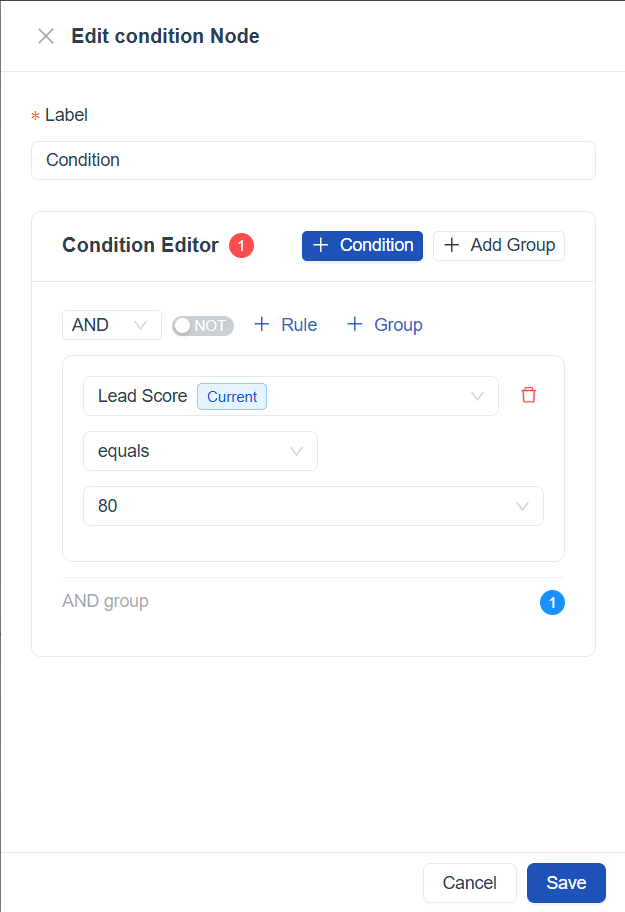
- Yes → Assign to Priority Sales Team
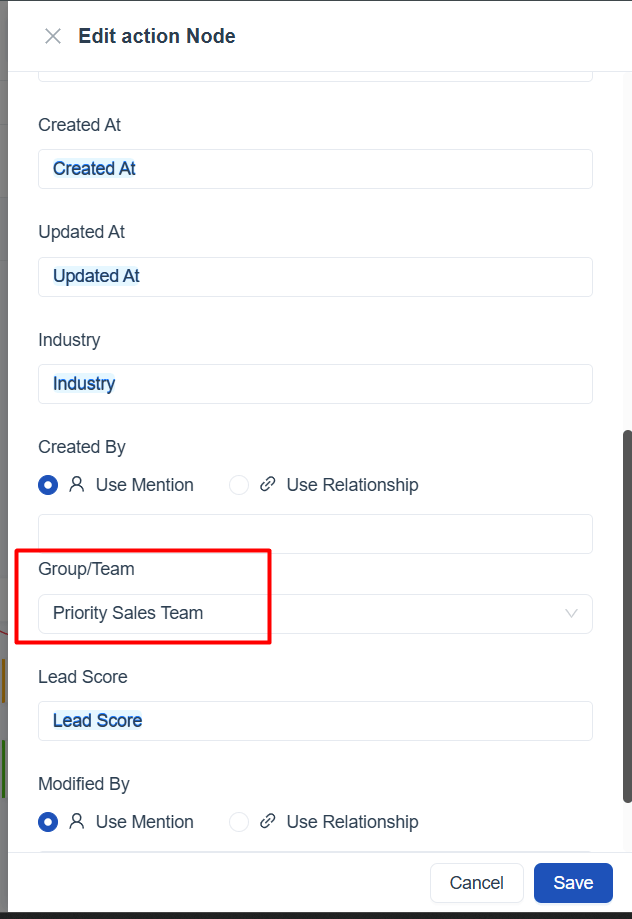
- No → Continue to next condition
Condition 2: Industry = Finance
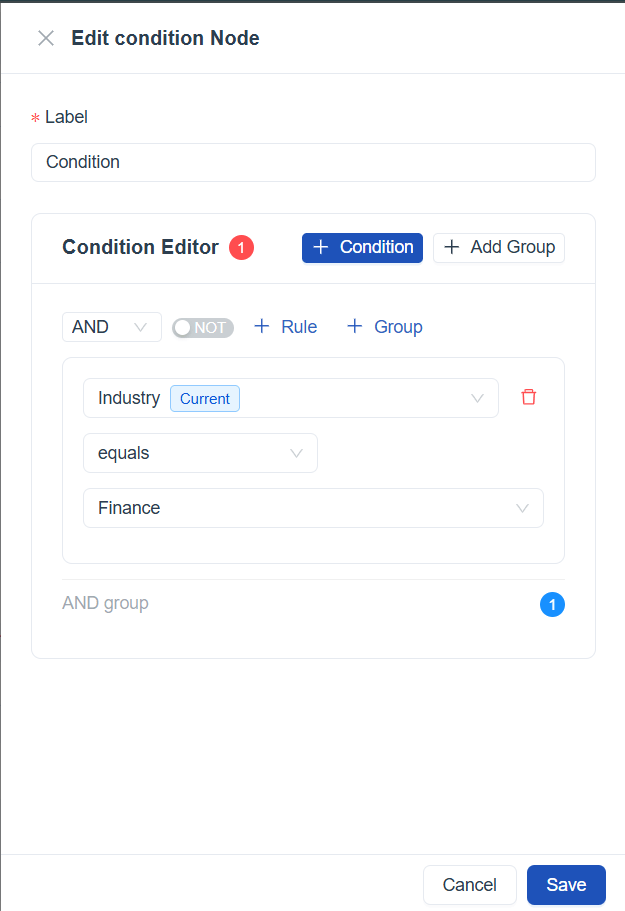
- Yes → Assign to Finance Account Manager Group
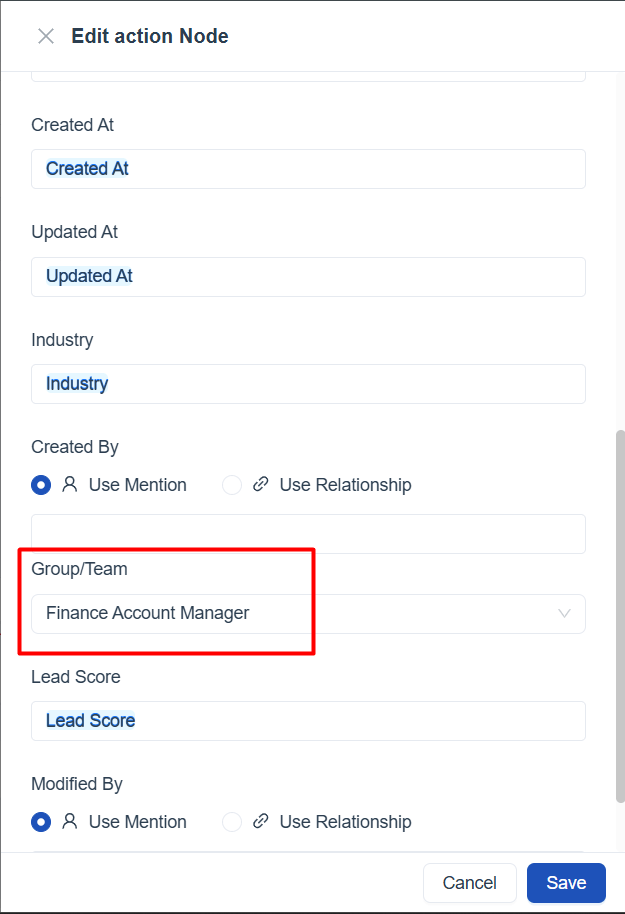
- No → Continue to next condition
Condition 3: Region = North America
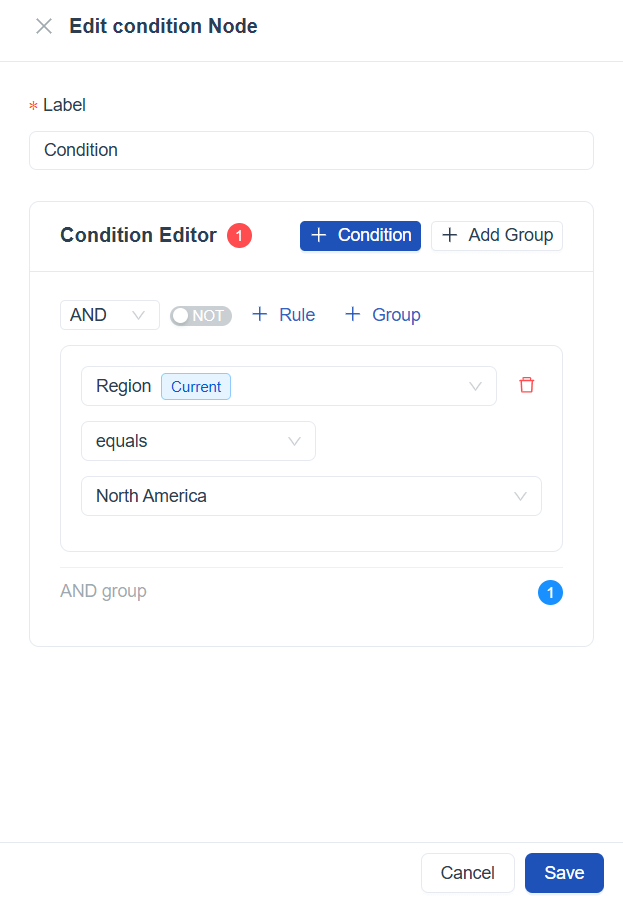
- Yes → Send regional welcome email
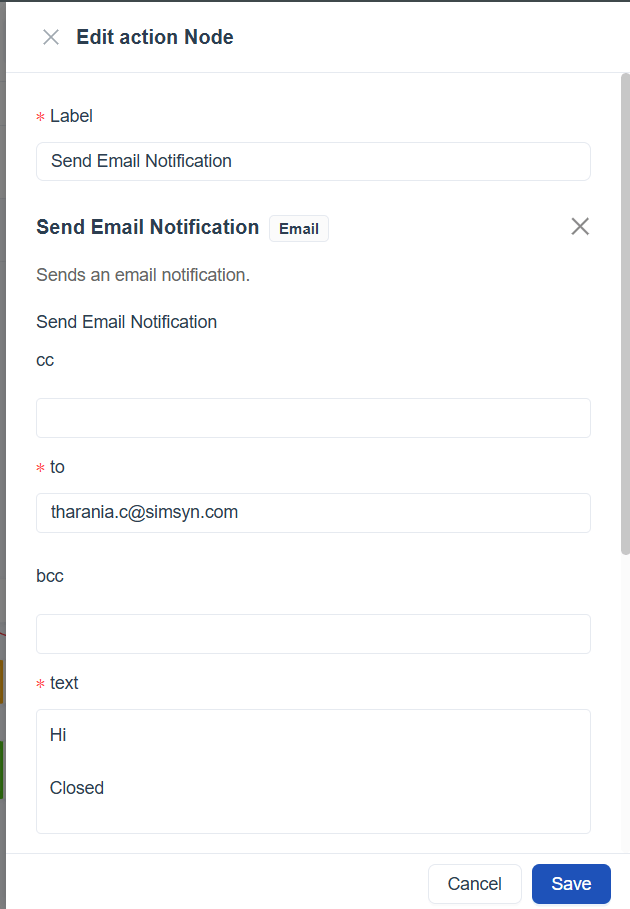
- No → End workflow (no further action)
Nested Workflows
Nested workflows allow one workflow to trigger another, creating modular and reusable automation.
Benefits
- Reusability: Common processes (e.g., sending surveys) can be reused across workflows.
- Modularity: Break down complex workflows into smaller, manageable units.
- Scalability: Easier to maintain and extend workflows as business needs grow.
Example Use Case – Complex Branching with AND/OR Gates
- Trigger: Lead created
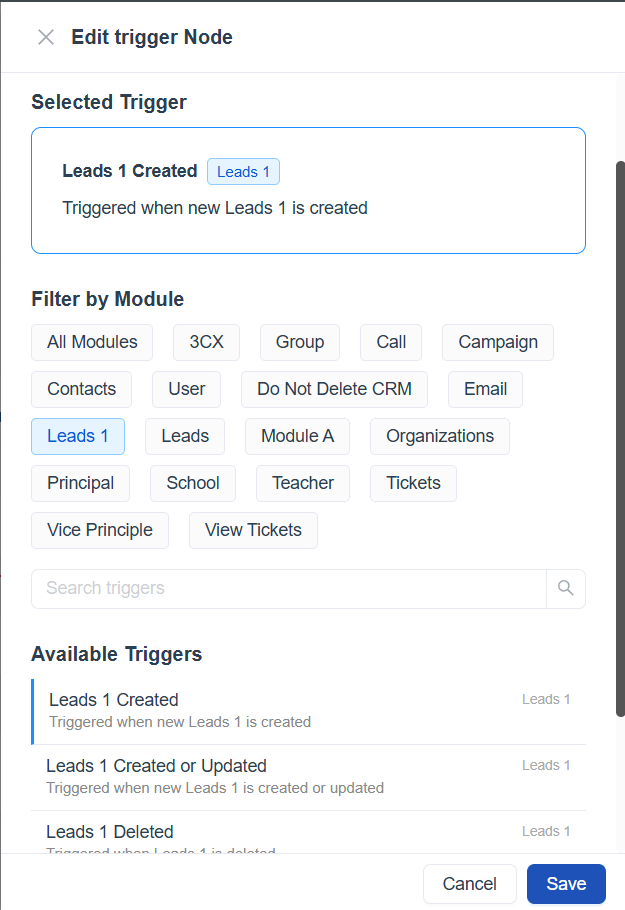 Condition 1 (AND Gate)
 - Rule: Lead score = 80 AND Industry = Finance
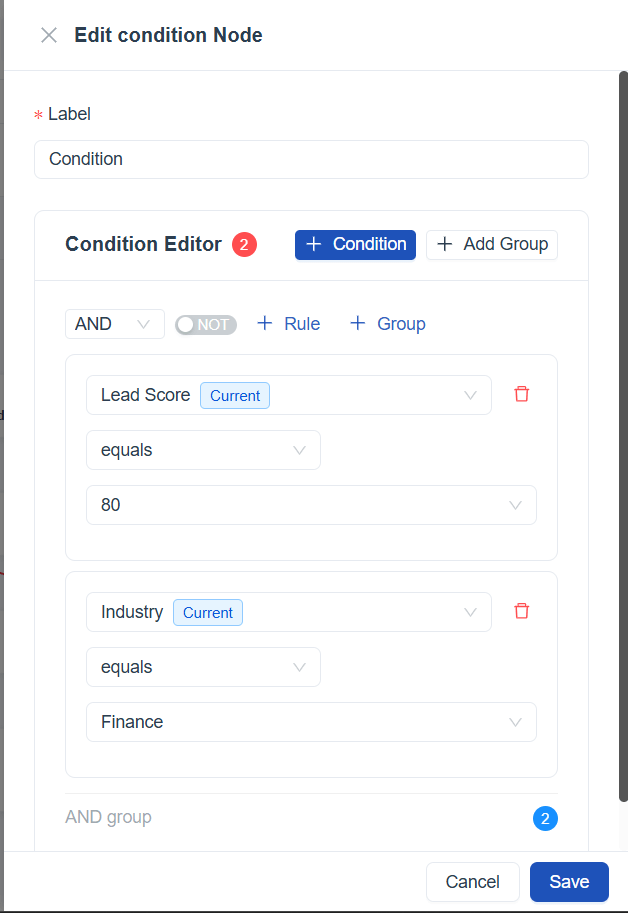
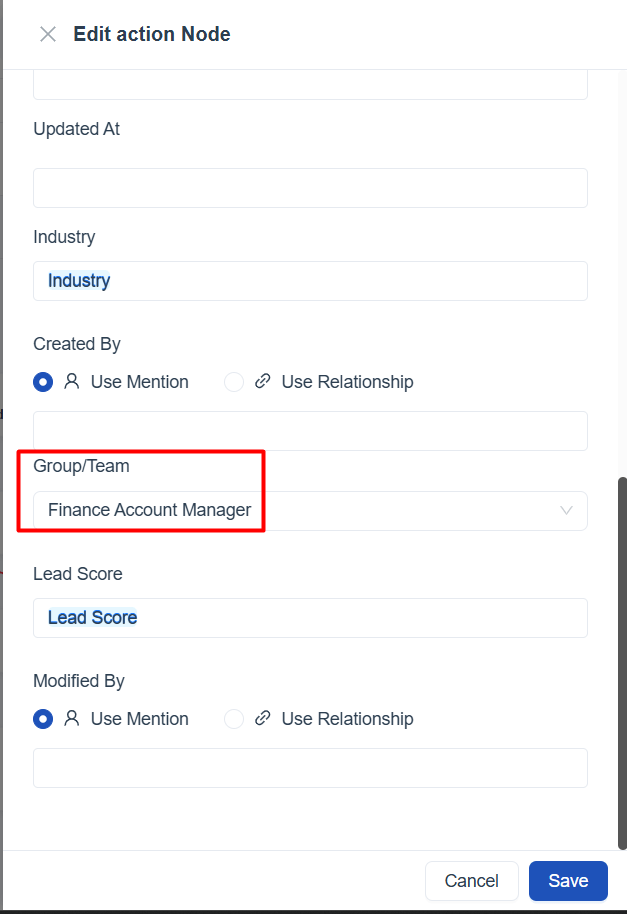
- Yes → Assign to Finance Priority Sales Team
- No → Continue to next condition
Condition 2 (OR Gate)
- Rule: Region = North America OR Region = Asia 
- Yes → Send regional welcome email
 - No → End workflow (no further action)
Workflow Logic Explained
- Trigger fires when a new lead is created.
- The workflow first checks Condition 1:
- If the lead has a score = 80 AND belongs to the Finance industry, it is routed to the Finance Priority Sales Team.
- If not, the workflow continues to Condition 2.
- Condition 2 uses an OR gate:
- If the lead is from North America OR Europe, a regional welcome email is sent.
- If neither condition is met, the workflow ends without further action.
Benefits of AND/OR Gates
- AND gates ensure stricter qualification (both conditions must be true).
- OR gates allow broader inclusion (any one condition being true is enough).
- Combining them creates nuanced branching logic that reflects real business rules.
Error Handling Strategies
Errors can occur due to invalid data, failed API calls, or unmet conditions. Uniconnect AI provides tools to handle these gracefully.
Strategies
- Logging and Monitoring: Use Workflow Monitoring to review node-level errors and execution history.
Example Use Case
- Trigger: Send follow-up email
- Error: Email server unavailable
- Fallback Action: Send SMS notification → Log error in monitoring dashboard
Best Practices for Advanced Workflows
- Plan logic carefully: Map out triggers, conditions, and nested workflows before implementation.
- Keep workflows modular: Use nested workflows to avoid overly complex single workflows.
- Test with sample data: Validate conditions and branching logic before activating.
- Monitor regularly: Use Workflow Monitoring to catch errors early.
- Document workflows: Maintain internal documentation for complex workflows to aid troubleshooting.
Key Takeaway
Advanced workflow features—custom modules, complex branching, nested workflows, and error handling—enable organizations to build highly tailored, resilient automations. By applying these techniques, administrators can ensure workflows remain scalable, reliable, and aligned with evolving business needs.