DNC (Do Not Call) Configuration & Handling Guide
1. Introduction
The DNC (Do Not Call) feature is used to restrict communication with leads based on their preferences.
This helps respect customer preferences, ensure compliance, and avoid unwanted communication.
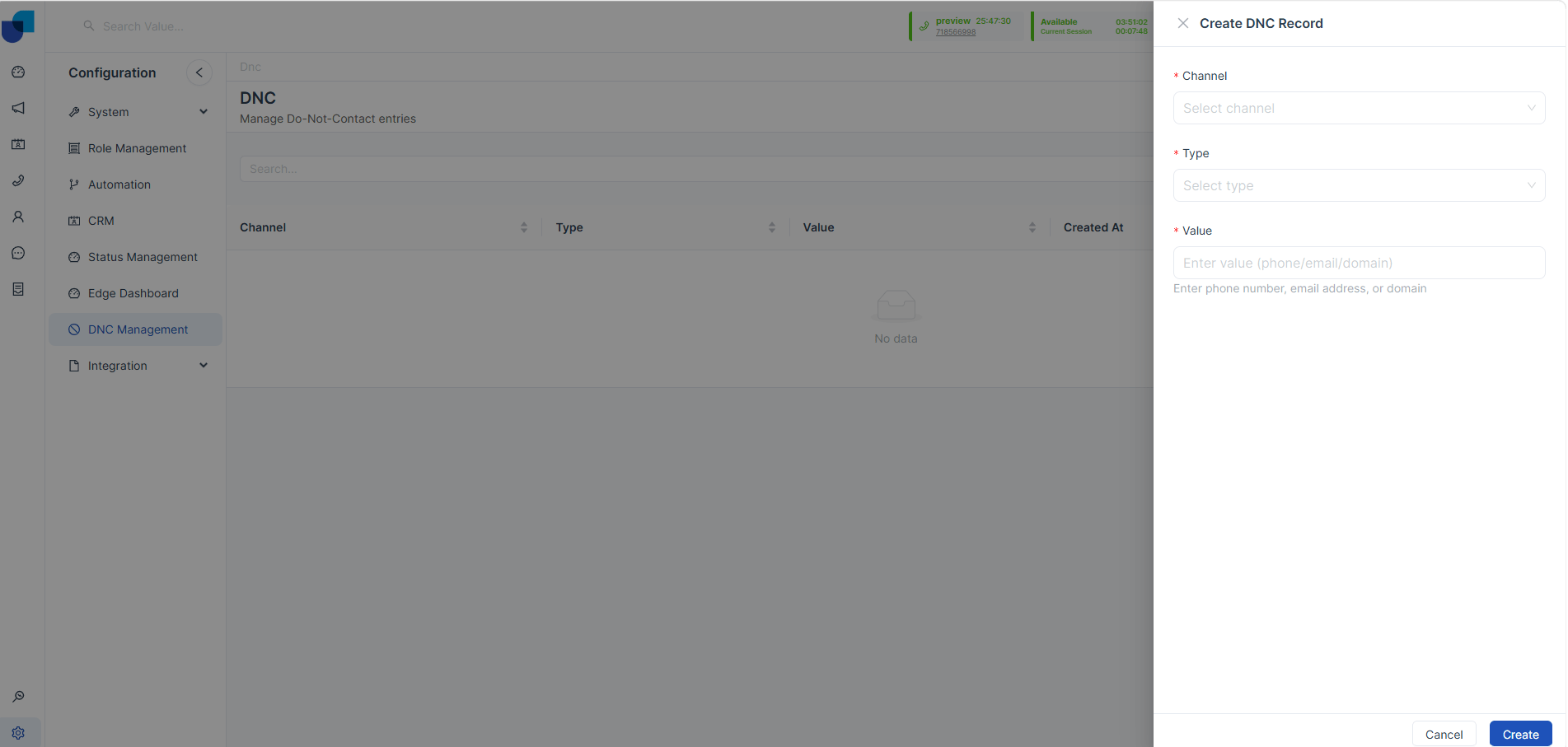
2. DNC Types
2.1 Phone Number Level DNC
Description:
If a phone number is marked as DNC, the system blocks all campaign attempts to that number.
Behavior:
- No calls will be made to that number
- Applies to all campaigns
- Applies to all campaign types
Example:
Phone Number: +94 77 123 4567 → Marked as DNC
Result: No calls from any campaign, number is completely restricted
2.2 Channel-Based DNC
Description:
DNC can be applied for specific communication channels.
Supported Channels:
- Voice
- SMS
Behavior:
- Only restricted channel is blocked
- Other channels remain active
Example:
Lead preference: Voice → Blocked, SMS → Allowed
Result: No voice calls, SMS can still be sent
2.3 Promotional vs Transactional DNC
Description:
Leads can restrict promotional messages while allowing important transactional communication.
Behavior:
- Promotional content → Blocked
- Transactional content → Allowed
Example:
Promotional: “Get 20% discount” → Blocked
Transactional: “Your OTP is 1234” → Allowed
3. DNC in Campaign Execution
Campaign-Level Setting
During campaign setup, an option is available to enable DNC filtering.
Behavior When Enabled
- System checks DNC before dialing
- DNC numbers are not dialed
Lead Status Update
- DNC leads are automatically updated with DNC status
Result
- DNC leads are skipped
- Only valid leads are processed
4. Combined DNC Behavior
System applies all DNC rules together:
- Phone-level restriction
- Channel-level restriction
- Promotional/Transactional preference
Example:
Lead settings: Phone marked as DNC, SMS allowed, Promotional blocked
Final Result:
- No calls
- SMS allowed
- Promotional SMS blocked
- Transactional SMS allowed