Break Requests
Workforce Monitor
Let agents ask for breaks and leave, and let supervisors approve them.
How Requests Work
Some statuses should not be taken at will. Lunch during a busy hour is one example. When a status has Request Approval switched on, an agent asks for it instead of selecting it, and the request waits for a supervisor. Pending requests appear in the Requests column of the Workforce Monitor and under the Requests quick filter. In this example User A requests Lunch and User B decides.
Set Up a Status for Approval
- Open Configuration → Status Management and select Lunch.
- Switch Request Approval ON.
- Set an Allowed Time, for example 45 minutes.
- Click Update.
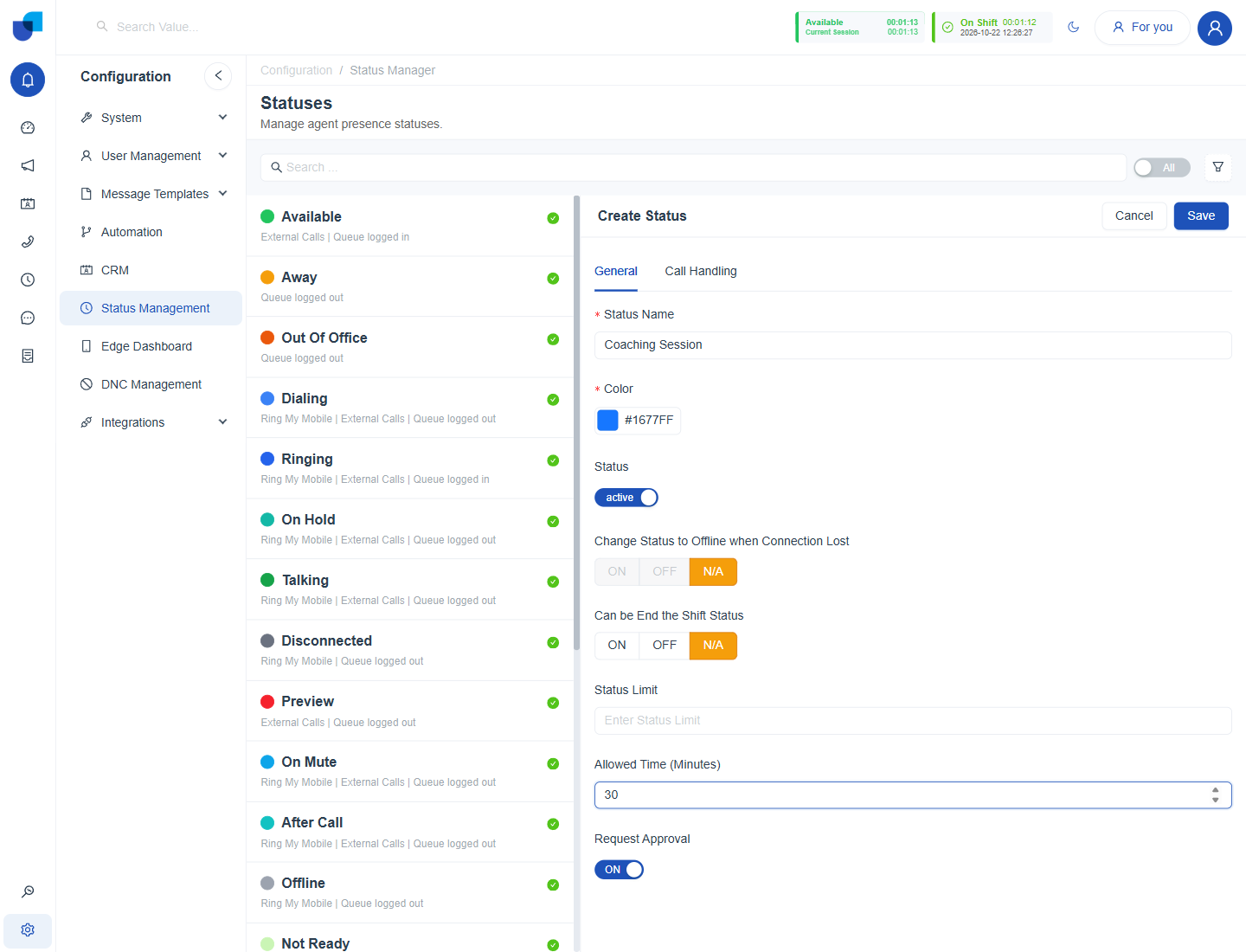
Figure 1. A status form with an allowed time set and Request Approval switched on.
The supervisor's role also needs the Approve Break Requests permission. See Workforce Permissions.
The Request Flow
| Stage | Who | What happens |
|---|---|---|
| 1 | Agent | Chooses a status that needs approval and sends the request. |
| 2 | System | Holds the request as pending and shows it in the Requests column. |
| 3 | Supervisor | Approves the request, or leaves or dismisses it. |
| 4 | Agent | Moves into the status once approved. The Presence timer starts. |
Review Requests
- Open the Workforce Monitor and click Requests. The table lists agents with pending break, leave or hand raise requests.
- Read the Requests column for the agent.
- Approve the request. Agents on your team are covered by the scope of your Approve Break Requests permission.
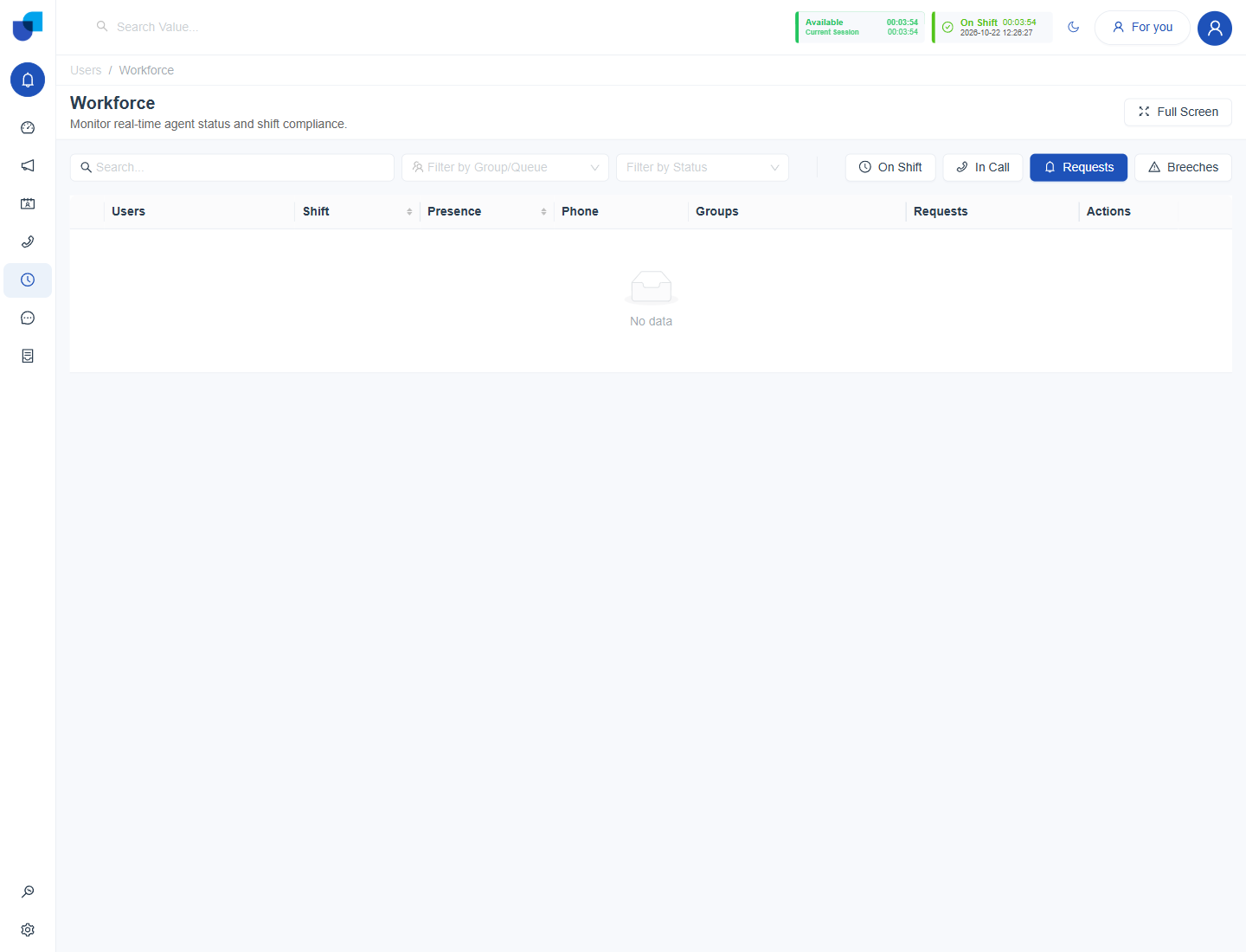
Figure 2. The Requests filter, shown here with no pending requests.
Info: Approval follows the scope of the Approve Break Requests permission: Own, Group or All. A supervisor with Group scope sees and approves requests only from agents who share a group with them.
Requests and Breeches
The Allowed Time of an approved status also drives the Breeches filter. If User A takes Lunch for 45 minutes and stays in it for an hour, User A appears under Breeches until the status changes.