Overview
Authentication
How people prove who they are and how the platform keeps each session safe.
What Authentication Covers
Authentication decides who may enter the platform and how. It starts at the Login page, continues through any extra checks such as a one time password, and ends when the session is closed. Administrators choose which sign in methods appear on the Login page, and each method has its own settings.
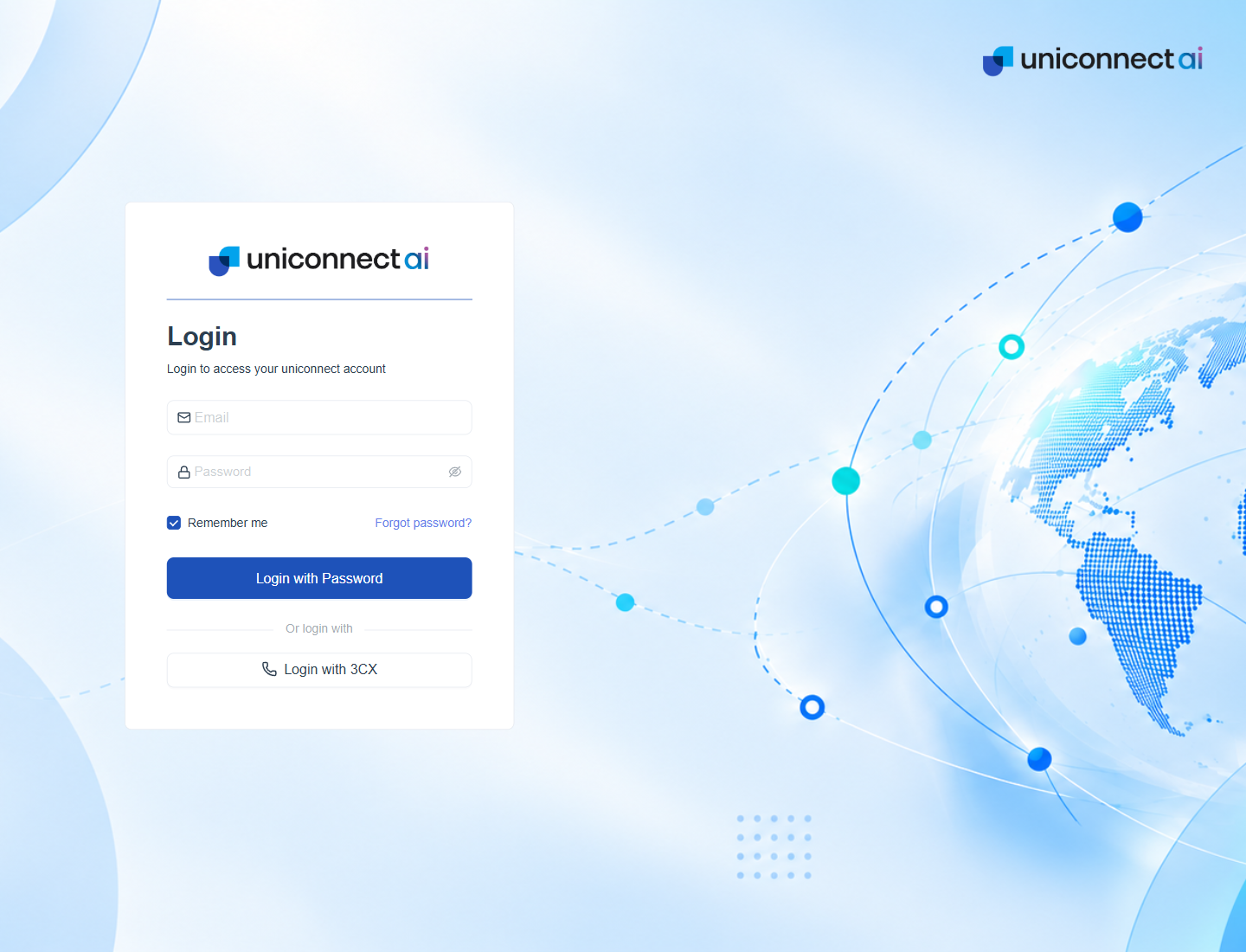
Figure 1. The Login page with the Password form, a Remember me tick box and an alternative method below it.
Ways to Sign In
The Login page shows only the methods the administrator has turned on. The main form is the first method. Every other method is a button under Or login with.
| Method | Button on the Login page | Who it suits |
|---|---|---|
| Email and password | Login with Password | Everyone with an account created in the platform. |
| 3CX | Login with 3CX | Agents who sign in with their 3CX extension and password. |
| Active Directory (LDAP) | Login with AD (LDAP Username and Password) | People whose accounts live in the company directory. |
| Continue with Google | Teams that use Google accounts. | |
| Microsoft | Continue with Microsoft | Teams that use Microsoft accounts. |
| SAML | Login with SSO (SAML) | Companies with a SAML identity provider. |
| ADFS | Login with ADFS | Companies that use Active Directory Federation Services. |
| Microsoft Entra ID | Continue with Microsoft Entra ID | Companies that manage identities in Microsoft Entra ID. |
Layers of Protection
- Password rules. A new password needs at least eight characters with an uppercase letter, a lowercase letter, a number and a special character.
- One time password. A code sent to the person confirms a password reset and, when Two Factor Authentication is on, every sign in.
- Attempt limits. After too many wrong codes the person is blocked for a set time.
- Invitation expiry. An invitation link stops working after the configured window.
- Session control. Administrators can see who is signed in and end a session.
Who Does What
| Person | Typical tasks |
|---|---|
| Any user | Sign in, reset a forgotten password, enter a one time password and sign out. |
| Supervisor | Watch active sessions for the people in scope. |
| Administrator | Invite users, choose login methods, set limits, connect 3CX and LDAP, and turn on Two Factor Authentication. |