Overview
What Integrations Does
Integrations connects UNICONNECT AI to the other systems an organization already runs, in both directions. It lets an outside system call UNICONNECT AI, it lets UNICONNECT AI call an outside system, and it lets an outside system push events to UNICONNECT AI as they happen. None of this needs a custom backend for each system.
All of it sits under Configuration → Integrations, which has three areas: Service Accounts, Webhook and API Integrations. LDAP Authentication, a plugin under Configuration → System → Plugins, is part of the same guide.
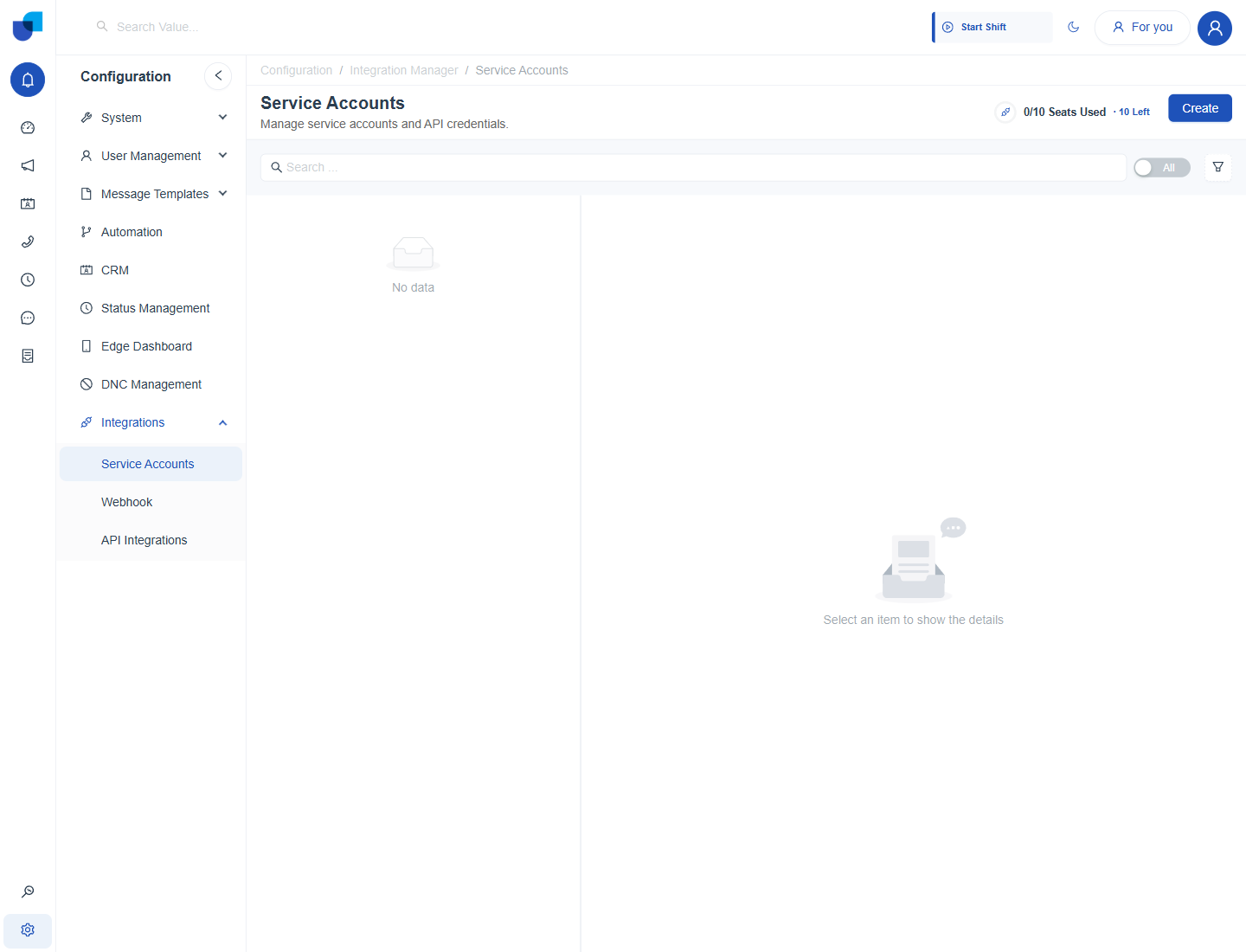
Figure 1. The Integrations menu in the Configuration sidebar, opened on the Service Accounts screen.
The Three Step Flow
Bringing an outside system into the CRM follows one pattern, and every page in this guide builds on it.
- Collection. A Collection represents one outside system. It holds the base address, default headers and parameters, and the way to authenticate. See Collections.
- API. An API is one endpoint inside a collection, for example a customer lookup. See Creating an API.
- Module or Workflow. The API is then used where it is needed: as the source of an external CRM module, or as an action inside a workflow. See Creating an External Module and Using APIs in Workflows.
The Integrations Areas
| Area | Direction | What it is for |
|---|---|---|
| Service Accounts | Outside system calls UNICONNECT AI | Credentials for REST clients, MCP tools and BI or database tools. See Service Account Configuration. |
| API Integrations | UNICONNECT AI calls an outside system | Collections and APIs that feed CRM modules and workflows. See Collections. |
| Webhook | Outside system pushes events in | An address an outside system can post to, with a schema that describes the payload. See Webhooks. |
| LDAP Authentication | Directory accounts sign in | A plugin that lets Active Directory or OpenLDAP users sign in to UNICONNECT AI. See LDAP Authentication. |
| API Documentation | Reference | A Swagger page that lists the REST endpoints for CRM modules. See API Documentation. |
The Example Used in This Guide
The guide follows one example from start to finish. AUS Bank's collections team keeps customer identity checks in an outside system called PolicyHub KYC. The team wants a customer's record from PolicyHub to appear inside the CRM, without anyone copying data across. The collection is named PolicyHub KYC, its APIs are List Customers and Get Customer, and the CRM module that reads them is Policy Customers. Amara Whitfield is the sample customer.
Planning Notes
Integrations is part of the license edition. The License Details screen under Monitoring shows how many service accounts the license allows, and the Integrations menu appears in Configuration only when the feature is included.
Service accounts and collections hold credentials. Give the Integrations permissions only to the administrators who manage connections. See Integrations Permissions.