Permissions
Telephony has its own permission category inside a role's Edit Role panel, under Configuration → User Management → Roles. Expanding Telephony reveals twelve permissions. Four are plain Yes or No switches, and eight are scoped by access level. The Collections team lead, Marcus Webb's supervisor, uses them to decide who can only place calls and who can supervise them.
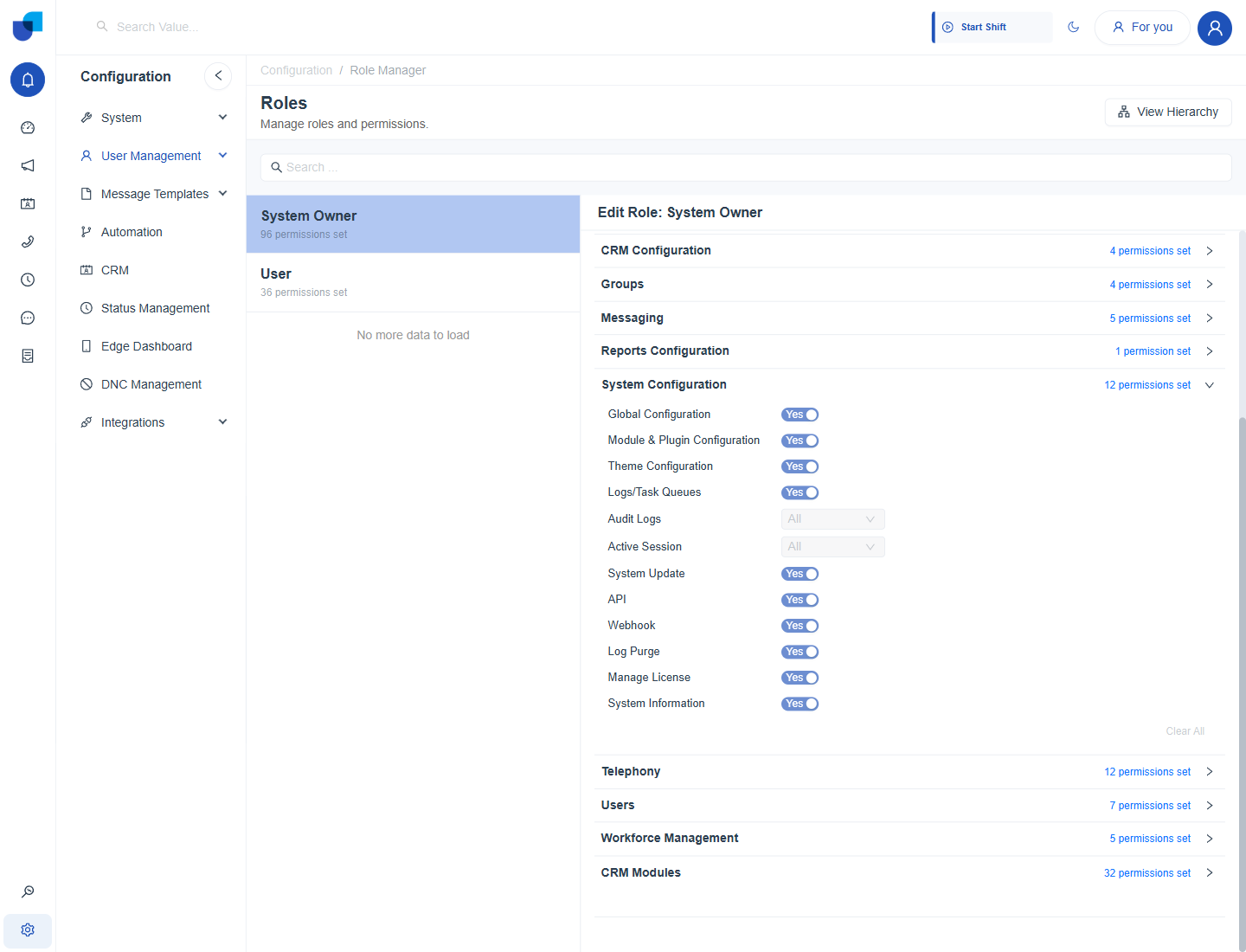
Figure 1. The Telephony permission group on the System Owner role, with every permission granted.
The Twelve Telephony Permissions
| Permission | Control | Governs |
|---|---|---|
| Auto Answer Mode | Yes or No switch | A Yes or No switch for the auto answer feature. |
| Auto Answer Delay | Yes or No switch | A Yes or No switch for the auto answer delay setting. |
| Make Outbound Calls | Yes or No switch | Placing calls, including the phone icon beside CRM numbers. See Calling from CRM. |
| Access Call Logs | No access, Own, Group, All | Which calls appear on the Calls screen. See Call Records. |
| Listen Call Recordings | No access, Own, Group, All | Playing a recording from the Calls screen. |
| Download Call Recordings | No access, Own, Group, All | Saving a recording file. |
| Call Barge-In | No access, Own, Group, All | Joining a call in progress as a full participant. See Live Call Controls. |
| Silent Monitoring | No access, Own, Group, All | Listening to a call in progress without being heard. |
| Call Whisper | No access, Own, Group, All | Speaking to the agent during a call so only the agent hears. |
| Force Transfer | No access, Own, Group, All | Moving a call in progress to another destination. |
| Ring My Mobile | Yes or No switch | A Yes or No switch for the Ring My Mobile feature. |
| Export Call Logs | No access, Own, Group, All | Exporting the call list from the Calls screen. |
Own, Group and All are the same three access levels used by every scoped permission on the platform. Own limits a user to their own records, Group extends that to their reporting group, and All removes the limit.
A Configured Example
The built in User role grants Make Outbound Calls and Ring My Mobile, and leaves the rest of Telephony at No or No access. An agent with this role can place calls but cannot open the call log, play recordings or supervise calls.
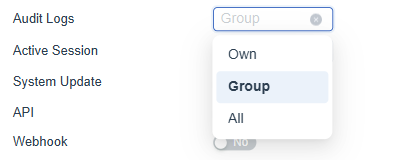
Figure 2. The User role's Telephony permissions: two switches on, and every scoped permission at No access.
Recording and live call controls are separate permissions. A supervisor role usually needs Access Call Logs, Listen Call Recordings and the three monitoring permissions set deliberately, and Force Transfer only for roles trusted to move customers' calls.
Where This Fits
Roles, the Own, Group and All access model and the Role Manager screen are shared platform concepts. This page covers only the Telephony permissions. Reporting access is controlled under Reports Configuration, described in Reporting & Dashboard Permissions.