Call Module
What It Is
Every row on the Calls screen is a record in its own CRM module, named Telephony, under Configuration → CRM → Telephony. It is a built in module rather than one an admin created, described in the module list as managing voice provider management and configuration. Its screens have two tabs, Fields and Layout Builder.
The Module's Fields
The module's fields are shown read only. They are split across two pages of the field list.
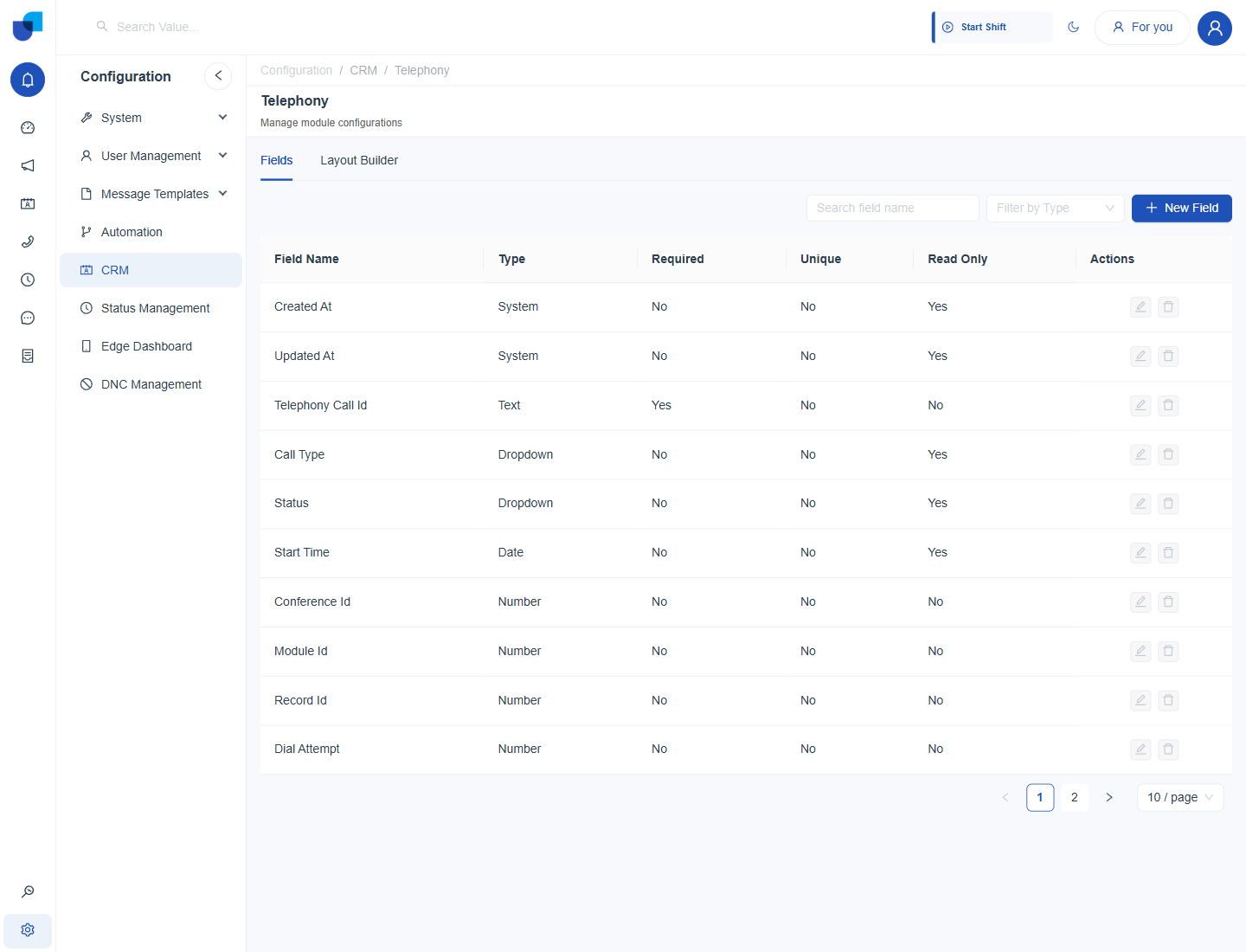
Figure 1. The first page of the Telephony module's Fields tab, listing the identifying and timing fields of a call.
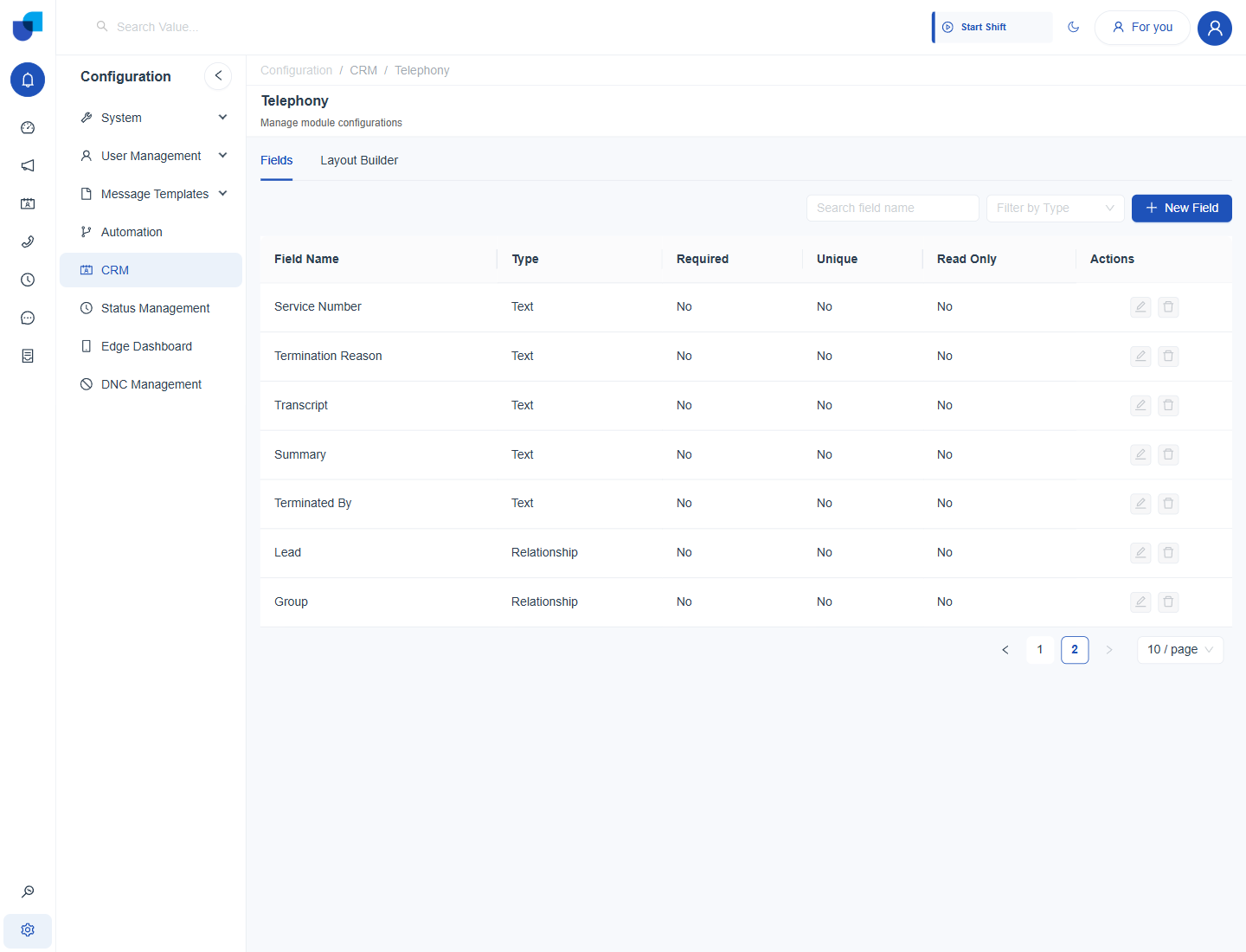
Figure 2. The second page of the field list, ending with the Lead and Group relationship fields.
| Field | Type | Notes |
|---|---|---|
| Created At / Updated At | System | Standard record timestamps, read only. |
| Telephony Call Id | Text | Required. The unique call identifier, the same value shown as Telephony Call ID in a Call Summary. |
| Call Type | Dropdown | Inbound, Outbound, Internal, Campaign or Conference. Read only. |
| Status | Dropdown | The call's Call Status. Read only. |
| Start Time | Date | When the call began. Read only. |
| Conference Id / Module Id / Record Id / Dial Attempt | Number | Linking and retry fields used internally. |
| Service Number | Text | The trunk or DID the call used. |
| Termination Reason / Terminated By | Text | How and by whom the call ended. |
| Transcript / Summary | Text | Filled for calls that an AI Agent or a transcription service has processed. |
| Lead | Relationship | See Call Module Relationship. |
| Group | Relationship | See Call Module Relationship. |
Edit and Delete are disabled on the built in fields of this module, because it is a system module and not one an admin can restructure. The built in fields are fixed so the Calls screen, the Call Summary and campaign reporting always find what they expect.
Adding Custom Fields
New Field stays available on the Fields tab, so extra fields can be added on top of the built in set when a call needs to carry more information. Adding a field uses the same field mechanics as any other CRM module.
Use a custom field for information that is specific to your operation, such as a call reference from another system. Avoid duplicating something the built in fields already carry.
Where This Fits
The Fields tab is the same field tool used by every CRM module, documented in the CRM guides. What is specific to Telephony is only the fixed set of fields above, since this module backs the Calls screen, the Call Summary and every lead or group a call can carry. The two Relationship fields are covered next in Call Module Relationship, and the Layout Builder tab in Call Module Layout Configuration.