Call Module Relationship
The Telephony module, described in Call Module, carries two Relationship fields, Lead and Group. Both are the same Relationship field type used across every CRM module. Each points a call at a record in another module, so a call is never a bare log entry.
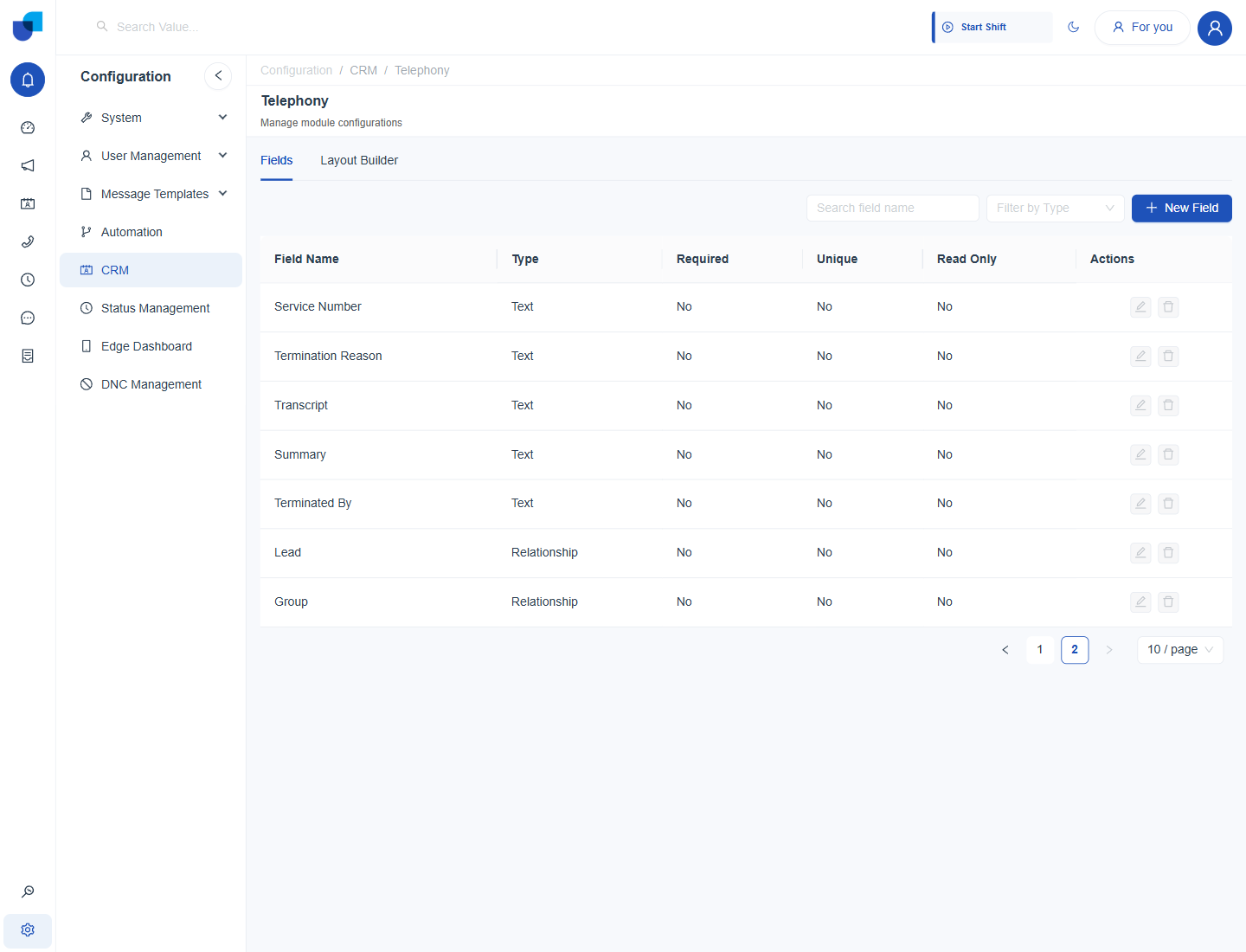
Figure 1. The Lead and Group fields, both of the Relationship type, at the end of the Telephony module's field list.
The Two Relationships
| Field | Points to | What it represents |
|---|---|---|
| Lead | A campaign lead, or a record from the module a Voice Campaign's audience was drawn from | Which contact the call was placed to or received from, when the call belongs to a campaign. |
| Group | A queue or ring group, see Group Management with 3CX Queues and Ring Groups | Which queue or ring group the call was routed through, when it was not a direct extension to extension call. |
An internal call between two extensions has no Group value, and a call outside any campaign has no Lead value. Both relationships are optional.
Why This Matters
The Lead relationship is what a campaign's Lead Status Breakdown and its Calls panel join against, covered in Managing Live Campaigns. A lead's page lists the calls made to that lead through this link. The Group relationship is what lets a call be credited to a specific queue in reporting.
Take the Overdue Payment Outreach campaign as an example. When Marcus Webb's dialer calls a customer, the call record's Lead points at that customer's campaign lead, so the lead's own page shows the call, its status and its talk time.
Where This Fits
How Relationship fields are added, and how a related record's fields are shown, are shared CRM mechanics documented in the CRM guides. This page covers only which two relationships the Telephony module carries by default and what each is for.