Call Module Layout Configuration
Every CRM module has a Layout Builder tab beside its Fields tab. For the Telephony module it sits under Configuration → CRM → Telephony → Layout Builder. A detail layout controls how a single call record is arranged when it is opened as a generic CRM record.
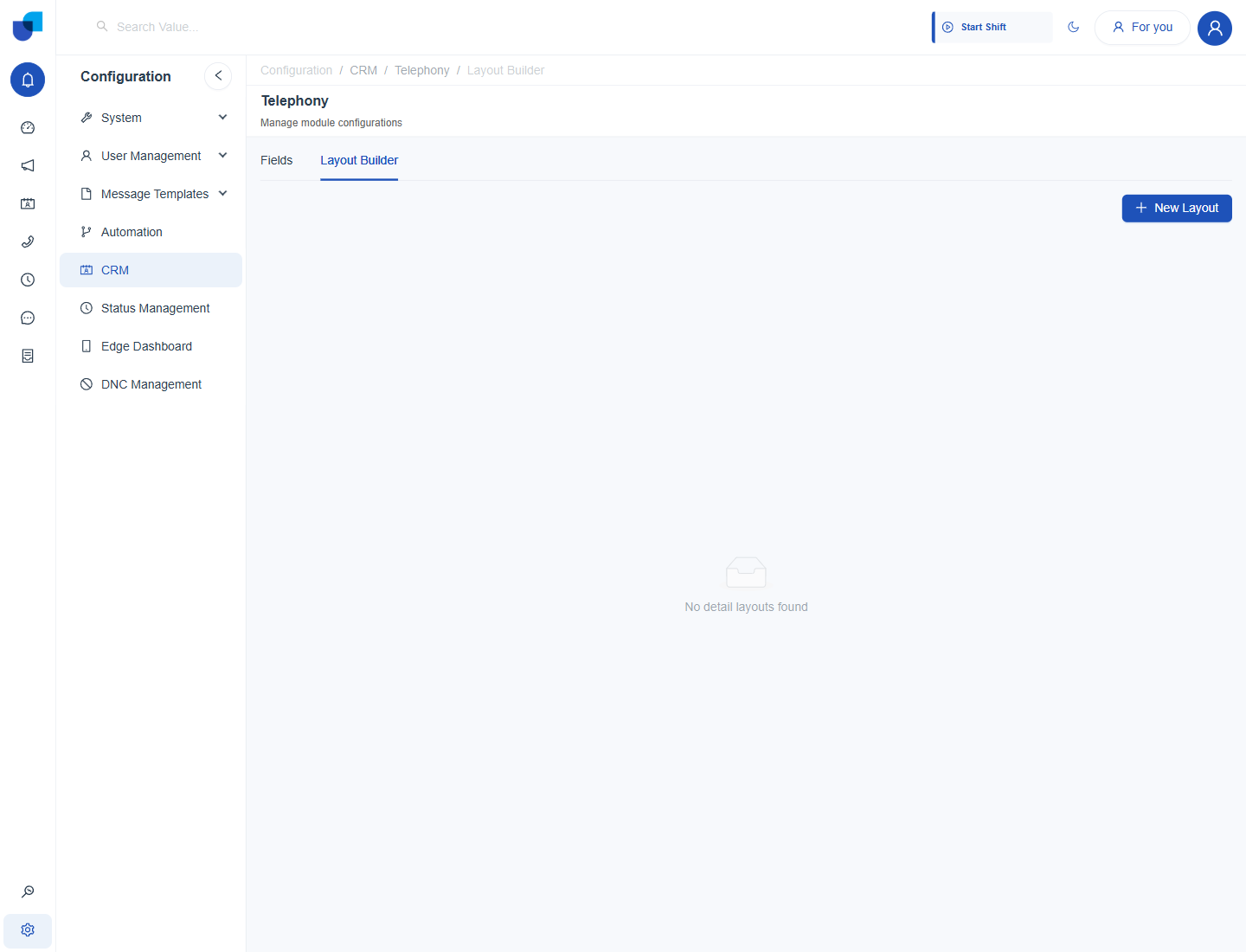
Figure 1. The Layout Builder tab of the Telephony module. No detail layout has been built yet, and New Layout starts one.
| Element | State on Telephony |
|---|---|
| New Layout | Available. A detail layout can be built the same way as for any other module. |
| Existing layouts | None. The screen reads No detail layouts found. |
The Calls screen's own list, the Call Summary panel and the Call Record page are built in screens. They are not assembled through this Layout Builder. A layout built here applies to the module's generic CRM record view, which is separate from those screens.
When to Build One
- Build a layout when the generic record view is used. If agents open a call as a standard CRM record, a layout lets you put Call Type, Status and the two relationships first.
- Group related fields. Keep the timing fields together, and keep Transcript and Summary in their own section, so long text does not push the key fields off screen.
Where This Fits
How a layout is assembled from sections and fields is the same generic mechanic used by every CRM module, documented in the CRM guides. Nothing about it is changed for Telephony. The fields a layout can arrange are listed in Call Module.