Connecting BI and Database Tools
A reporting or BI tool can read CRM data directly through a database connection. The service account supplies the user name and password for that connection. The bank's analyst in this example uses a PostgreSQL connection to build reports in a BI tool.
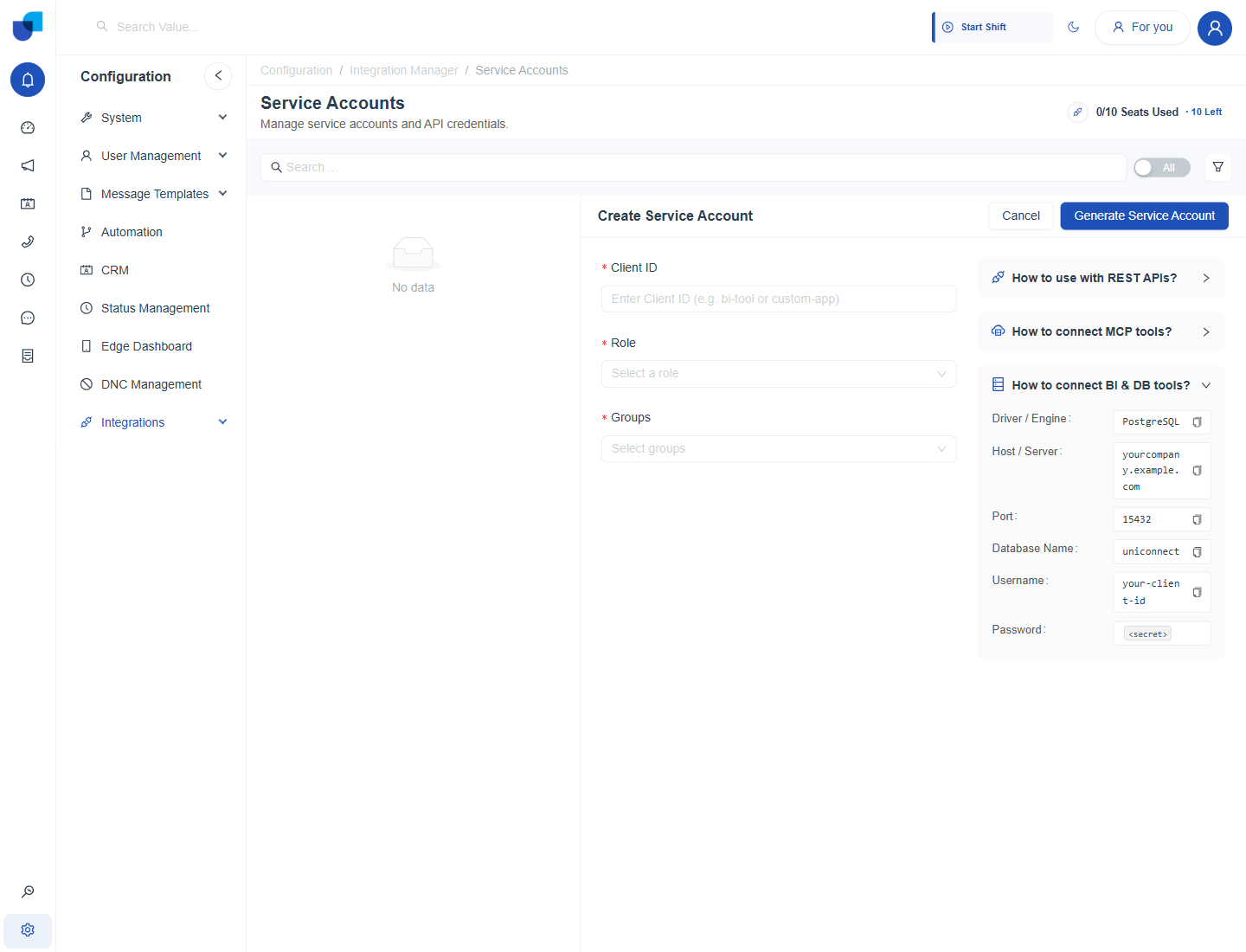
Figure 1. The BI and database help section, listing the connection settings a tool needs.
Connection Settings
| Setting | Value |
|---|---|
| Driver or engine | PostgreSQL |
| Host or server | Your UNICONNECT AI address, for example yourcompany.example.com |
| Port | 15432 |
| Database name | uniconnect |
| User name | The Client ID of the service account |
| Password | The credential of the service account |
Connecting a Tool
- Add a PostgreSQL data source in the BI tool.
- Enter the host, port and database name from the table above.
- Enter the Client ID as the user name and the credential as the password.
- Test the connection, then choose the tables to use.
info
The copy icon beside each value in the help section copies it, so nothing has to be typed.
tip
Use a separate service account for each BI tool. If one tool is retired, its account can be removed without affecting the others.