Connecting with REST APIs
A REST client uses a service account in two steps: it exchanges the Client ID and credential for a token, then sends the token with every request. The reporting team's script in this example works the same way as any other REST client.
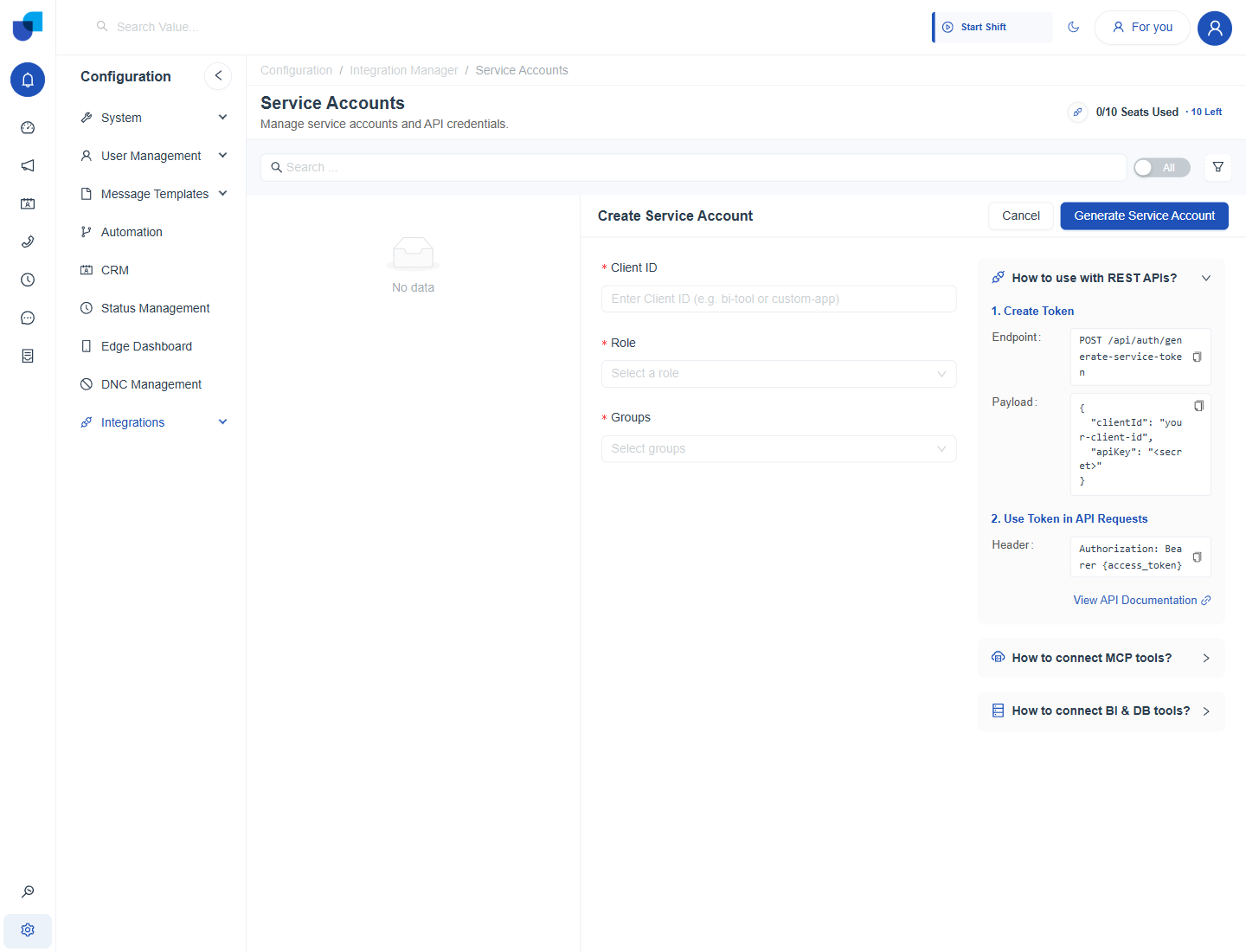
Figure 1. The REST help section in the Create Service Account form, with the token endpoint, the payload and the Authorization header.
Step 1: Create a Token
- Send a POST request to the token endpoint. The endpoint is
/api/auth/generate-service-tokenon your UNICONNECT AI address. - Send the Client ID and the credential in the body.
- Read the access token from the response.
POST https://yourcompany.example.com/api/auth/generate-service-token
Content-Type: application/json

{
  "clientId": "reporting-tool",
  "apiKey": "<secret>"
}
Step 2: Use the Token
Send the token in the Authorization header of every later request.
GET https://yourcompany.example.com/api/crm/crmLeads
Authorization: Bearer {access_token}
info
The endpoints a service account can call are listed in API Documentation. The View API Documentation link in the help section opens the same page.
tip
Request a new token when the old one stops working, instead of storing the credential in many places. Keep the credential in one secure location.