Connecting MCP Tools
MCP is a standard way for AI tools to use outside data and actions. UNICONNECT AI exposes an MCP server, and a service account is the credential an MCP client uses to connect to it. The reporting team's AI assistant in this example connects the same way as any MCP tool.
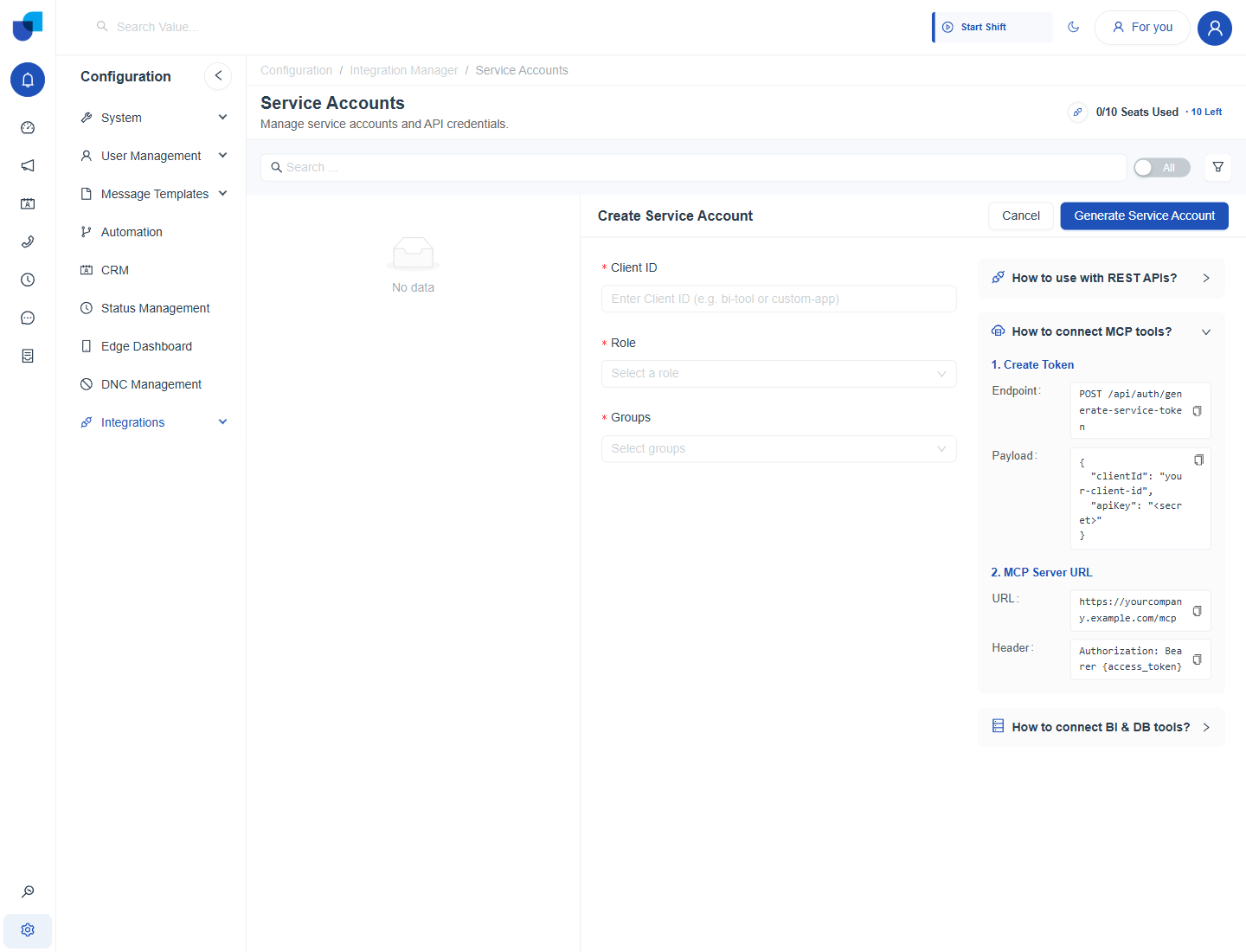
Figure 1. The MCP help section, with the token step and the MCP server address.
Connecting a Tool
- Create a token. Send a POST request to
/api/auth/generate-service-tokenwith the Client ID and the credential, as described in Connecting with REST APIs. - Enter the MCP server address in the tool. The address is your UNICONNECT AI address followed by
/mcp. - Send the token in the Authorization header. Use the form
Authorization: Bearerfollowed by the access token.
| Setting | Value |
|---|---|
| MCP server URL | https://yourcompany.example.com/mcp |
| Header | Authorization: Bearer {access_token} |
warning
What the tool can see and do depends on the role and groups of the service account. Create a service account with a limited role for each tool.