Edge Log Submission
Follow the logs that Edge sends to the platform, and find them again in Monitoring.
What Edge Log Submission Is
Edge is a module of UNICONNECT AI with its own services, dashboard widgets and audit log. Its log entries are submitted to the platform, where they are stored with the rest of the platform's logs. Monitoring does not have a screen of its own for the submission itself. You follow it through three pages: Logs, the Edge row on the Services tab, and the Edge Dashboard under Configuration.
Where Edge Logs Appear
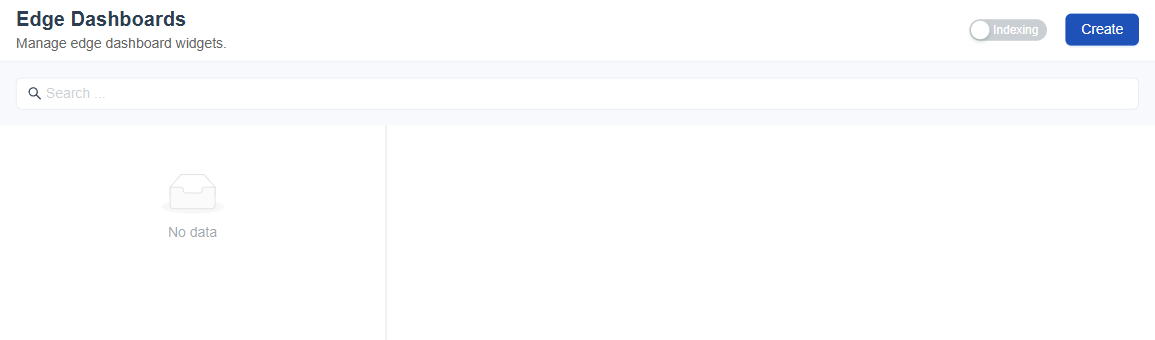
Figure 1. The Edge Dashboards page under Configuration, where the Edge dashboard widgets are managed.
| Place | What it shows |
|---|---|
Logs → audit-edge.json | The audit entries for Edge, including the settings of the log file itself. |
| Logs → core | The daily log directory, which holds an edge.log file for each date. |
| System Information → Services | The Edge group, with its status, latency, uptime and count of services. |
| Configuration → Edge Dashboard | The Edge dashboard widgets that agents see. |
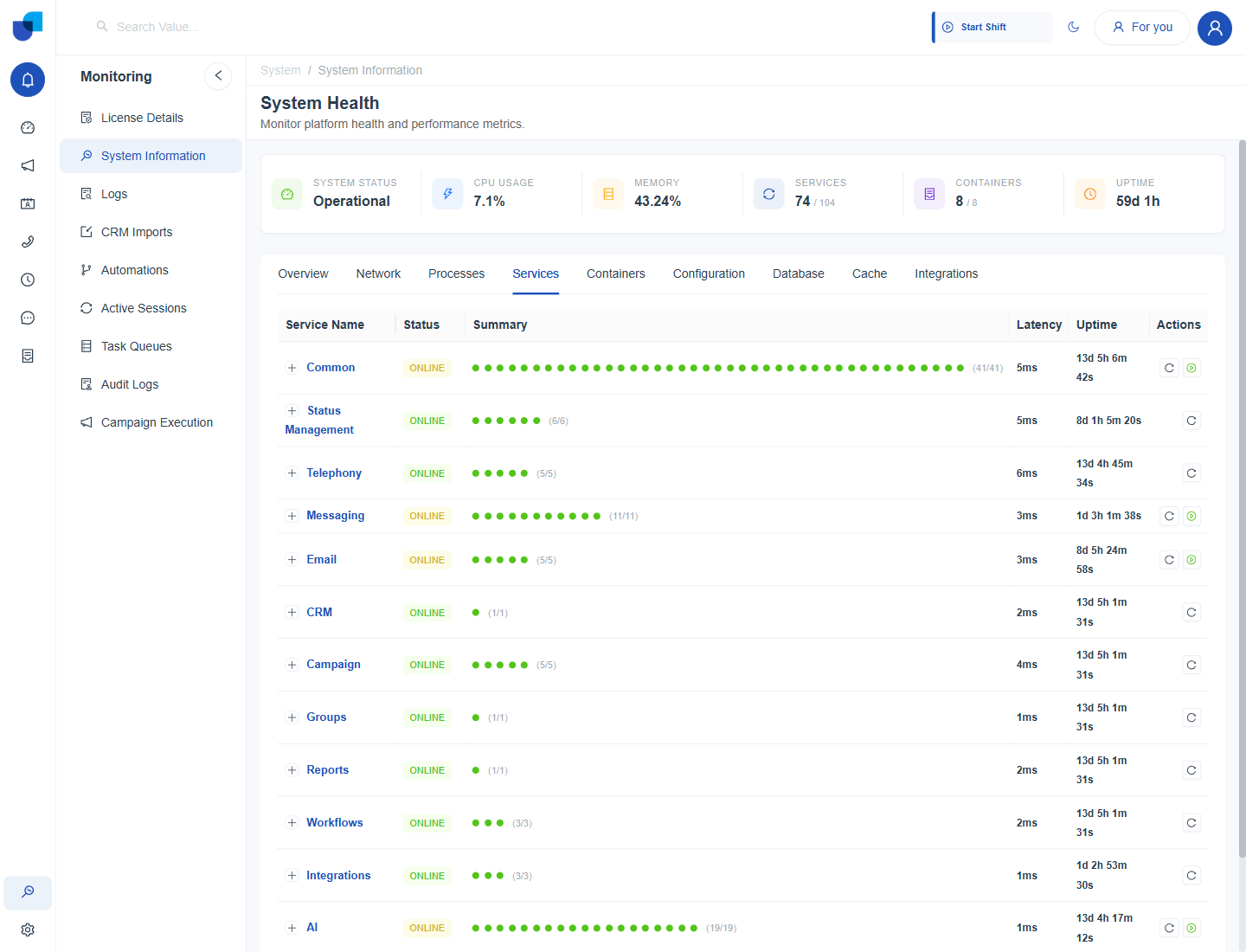
Figure 2. The Services tab, with the service groups listed. The Edge group is the last row, below the rows shown here.
Check That Edge Logs Are Arriving
- Open Monitoring → System Information and choose the Services tab. Find the Edge row and confirm that its status is ONLINE and that every service in the group is counted.
- Open Monitoring → Logs and select
audit-edge.json. - Turn on Auto-Refresh (30s) and watch the table. New entries appear as Edge submits them.
- Use Filter by keywords to narrow the entries to one agent or one request. Paste a Trace ID to follow a single request.
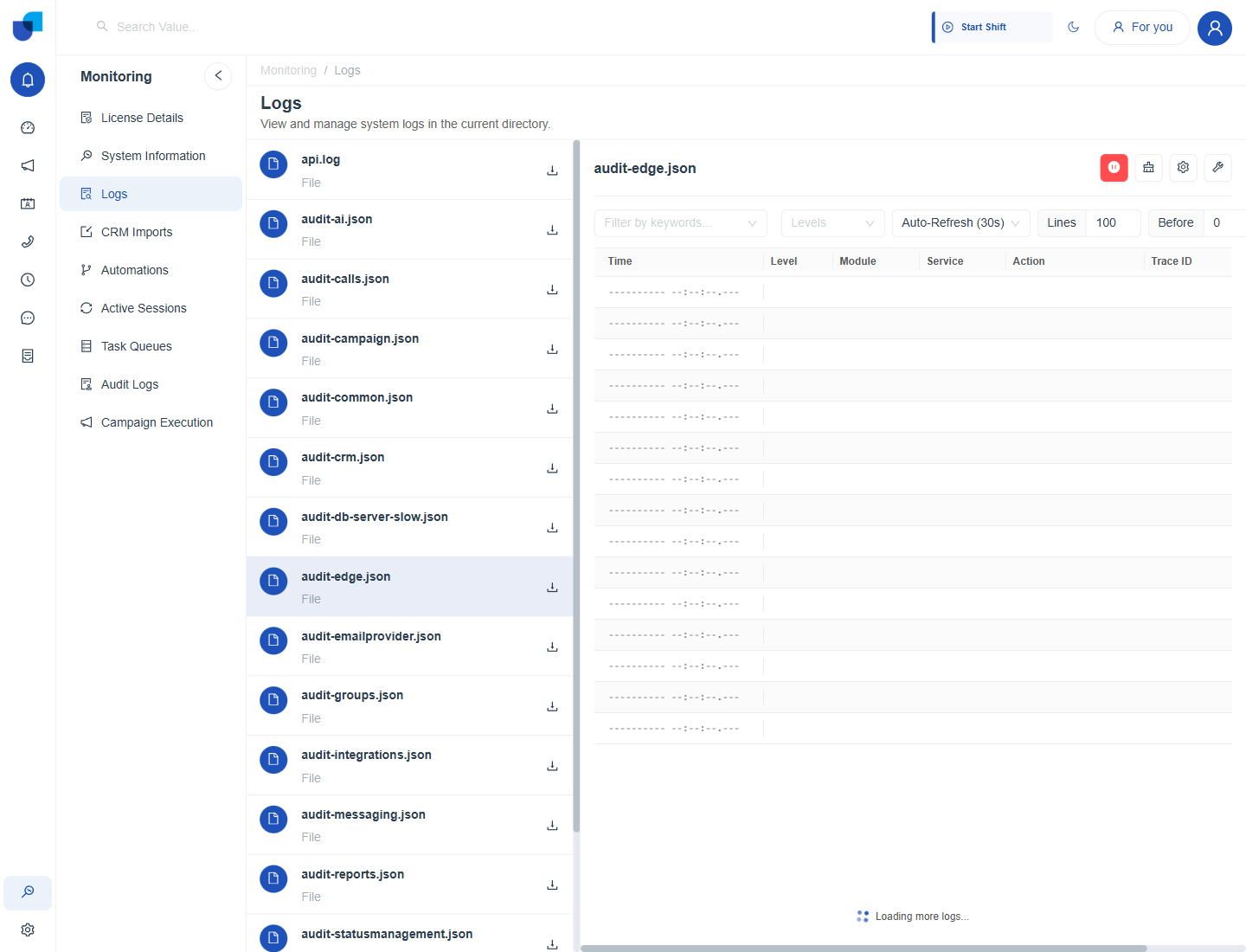
Figure 3. The audit-edge.json file open in the Logs viewer, where Edge entries are read.
The audit-edge.json file records how long its entries are kept. The platform keeps 30 days of entries by default, so older entries are removed automatically and do not need a manual purge.
Sharing Edge Logs with Support
When a problem needs a closer look, download audit-edge.json with the download icon in the file list, and attach it to the request. If the problem is tied to one day, open the core directory, set the time window and click Fetch, then download the result.
Edge logs can contain the names of the people who used Edge. Share them only with people who are allowed to see them.